
How to Compare Black Friday Tech Prices and Choose What Fits
By My Smart Life · Published
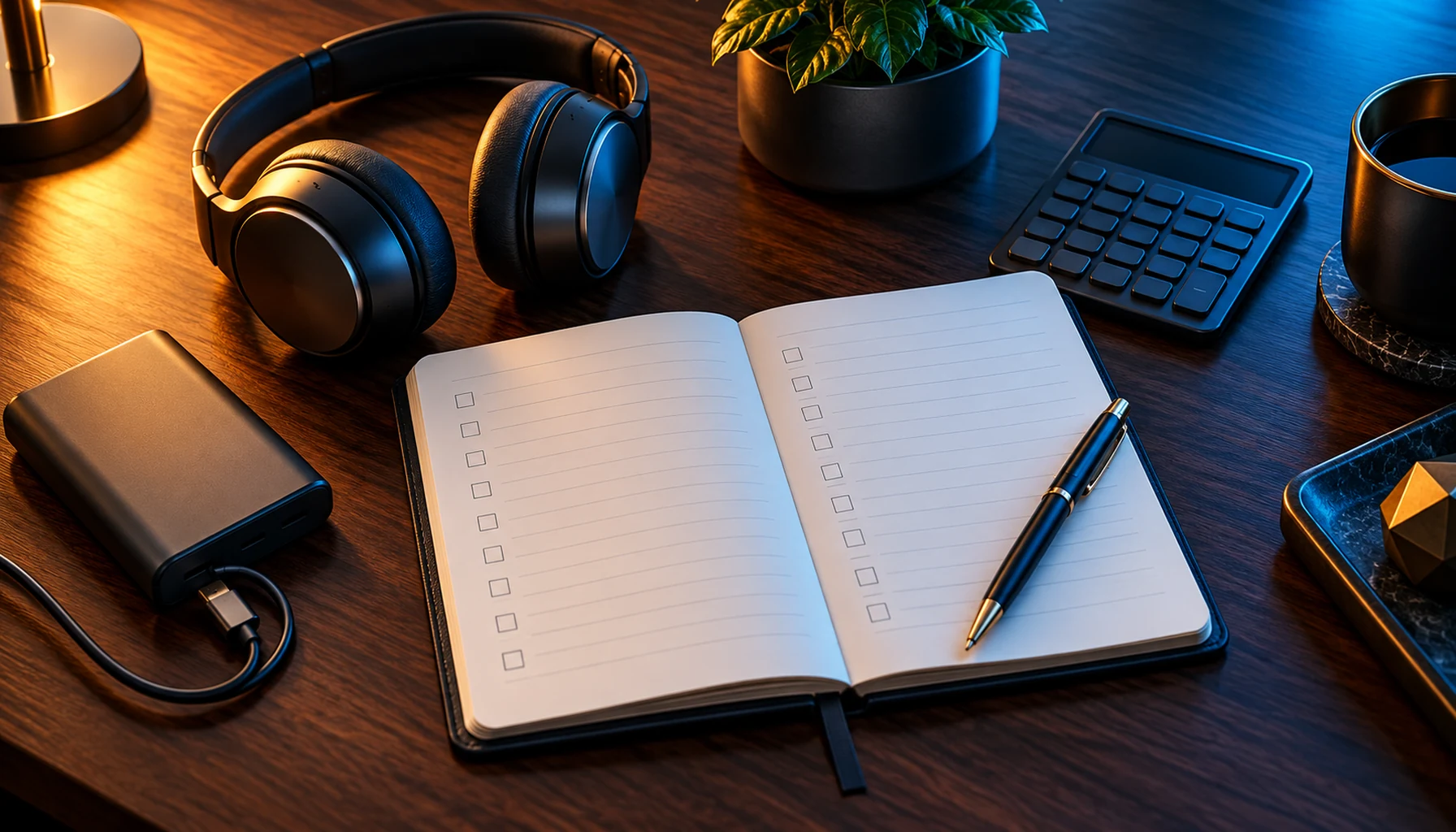
A Black Friday price is more useful when you know what you want the product to do. A charger for your work bag, plugs for your lamps and a projector for movie nights solve different problems. Start with the everyday benefit you want, then compare the cost of getting that result.
A short note on your phone can keep the comparison simple: save the product name, the option you want, its Canadian-dollar price and any extra accessory you will need. That gives you something concrete to compare when you return to shop.
For charging on the go: compare the connector as well as the price
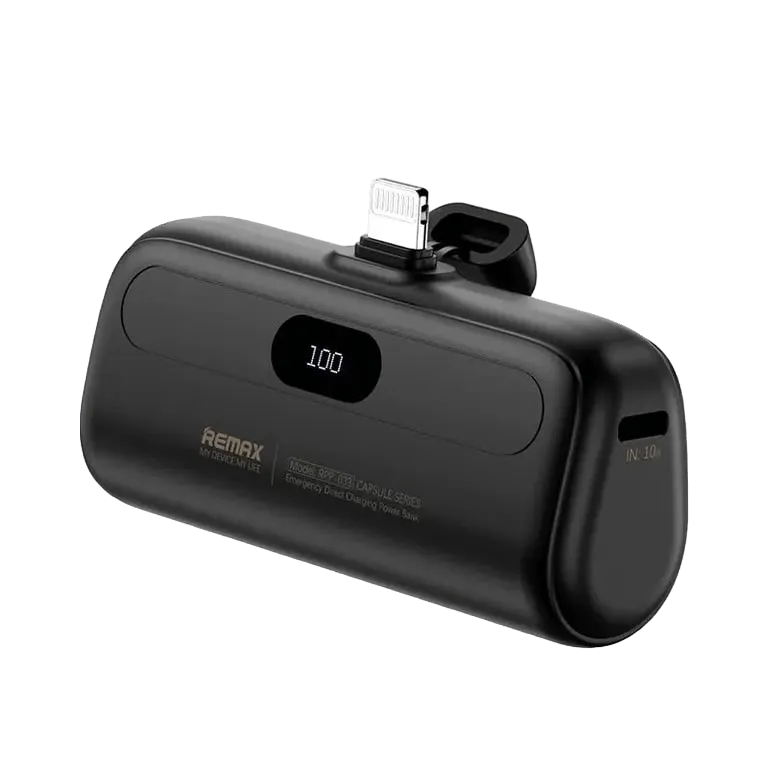
The 5000mAh power bank with a built-in cable is a practical choice if you often leave your charging cable behind. Keeping the cable attached means one fewer loose item in your bag. Before choosing your colour, check that the built-in connector matches your phone.
When comparing it with another charger, look at what you will carry together. A lower-priced power bank that needs a separate cable may suit you perfectly if you already have one. An integrated cable may be more convenient if you want a simple grab-and-go setup.
For home routines: compare how many plugs you will use
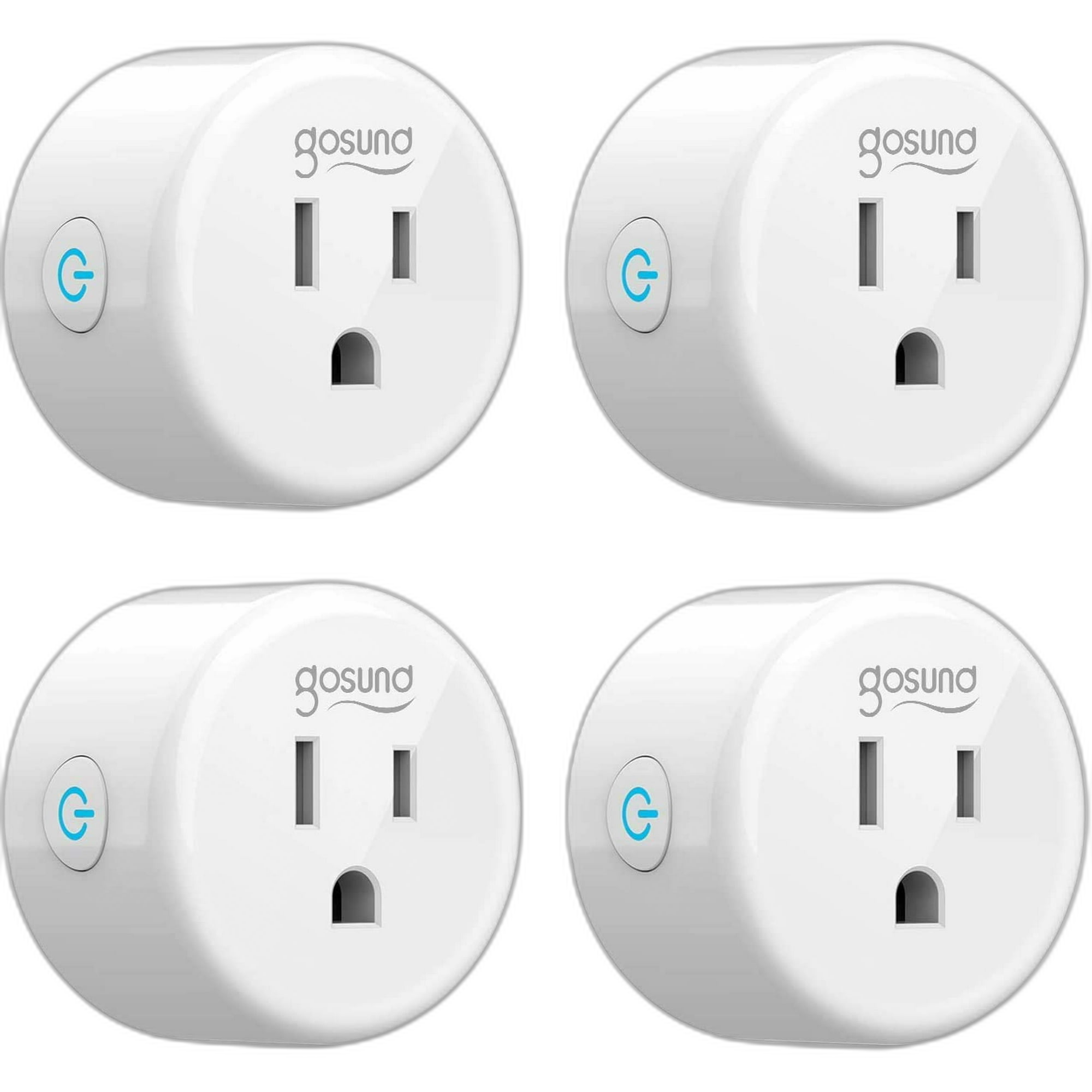
The WiFi smart plug four-pack gives you four plugs with timers, app control, Alexa/Echo and Google Home support. It is worth considering if you want to schedule compatible lamps in several rooms without adding a separate hub.
Count the locations first. If you can use all four, divide the pack price by four to compare the cost per plug. If you only need two, compare the total pack price with two suitable single plugs instead. Choose plugs with the right outlet fit and load rating for your appliances, and confirm approval for use in Canada.
For movie nights: compare the whole viewing setup
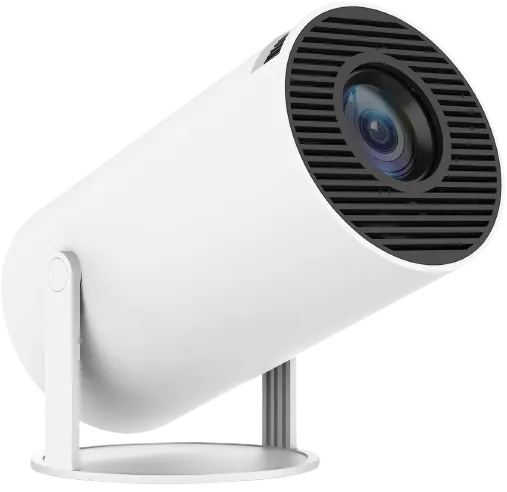
The 1080p mini projector with an adjustable stand offers HDMI, USB and a 3.5mm audio connection, plus keystone adjustment to help position the picture. It is an option to explore if you want a larger image from a suitable video source.
Picture where it will sit before comparing prices. Leave space between the projector and your wall or screen, and check that your streaming device can connect through the supported input. Include any cable or adapter you need in your comparison.
Keep your comparison easy to revisit
| Save this detail | Why it helps |
|---|---|
| The exact product and option | You can compare the same colour, connector or package. |
| The CAD price and date | You have a clear reference when you return. |
| Any extra cable, adapter or accessory | You can compare the cost of a usable setup. |
Ready to make your shortlist? Explore tech for your everyday routines and save the options that fit your plans. Compare your selected option and order total when you are ready to buy.