
Cyber Monday Tech Shopping: Choose the Right Version
By My Smart Life · Published

You have found a gadget that looks useful. The next step is choosing the version that fits your home or phone. A colour, plug or connector choice can make the difference between an easy addition to your day and an accessory you cannot use as planned.
For Cyber Monday shopping, give the option selector the same attention as the product photo. Here are five practical details to look at, with examples that show why they matter.
1. Match the doorbell receiver to your outlet
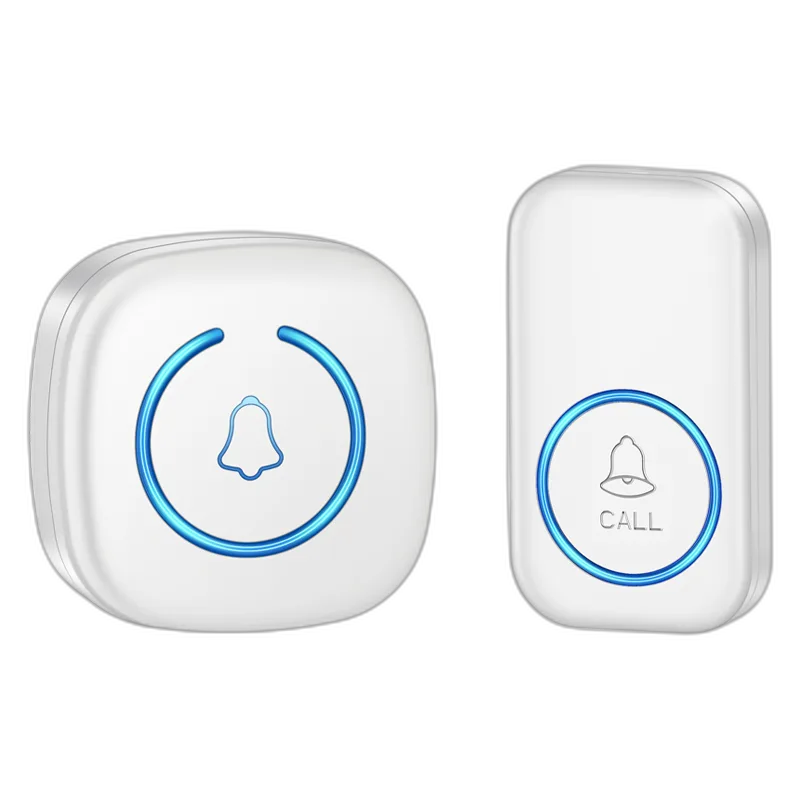
The wireless doorbell with 60 chimes gives you a choice of visitor sounds and a wireless connection between the button and receiver. It is an idea for an entrance where you want a simple audible alert.
Choose the receiver plug that fits your Canadian outlet. Because the options include different descriptions, ask about the plug type if your preferred colour does not make it clear.
2. Choose the doorbell package, not just the colour
Make sure your chosen doorbell kit includes the push button and receiver you need, and find out which batteries it uses. Plan the receiver location inside your home; walls and interference can affect the connection, so the advertised range is not a promise of reception in every room.
3. Match a built-in cable to your phone
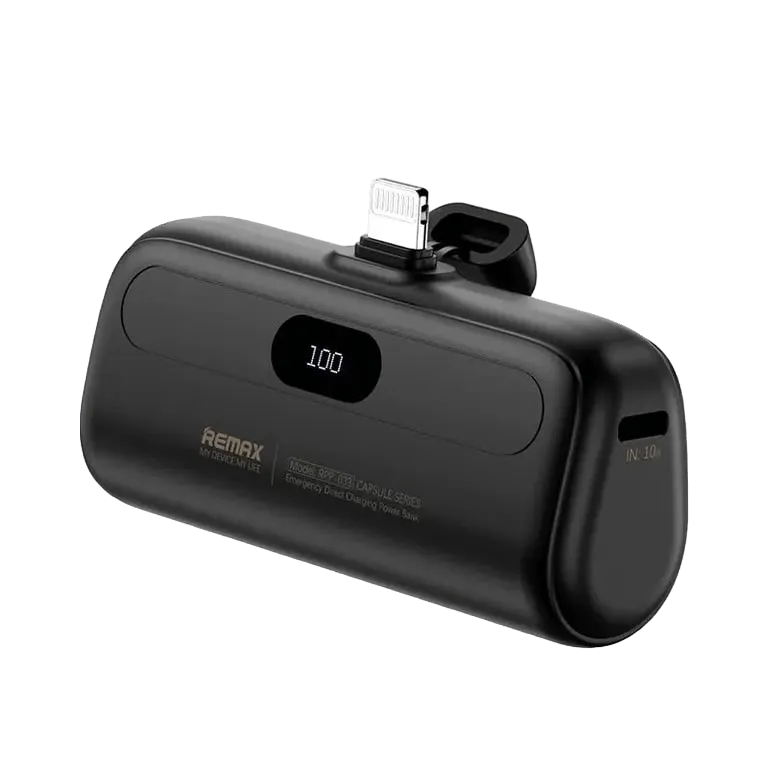
The 5000mAh power bank with a built-in cable keeps a charging lead attached to the battery. It suits a bag or jacket pocket where you want to avoid searching for a separate cable.
Check the connector on the option you are ordering against your phone's charging port. A familiar colour or a similar-looking product photo is less useful than a confirmed connector match.
4. Separate charging inputs from outputs
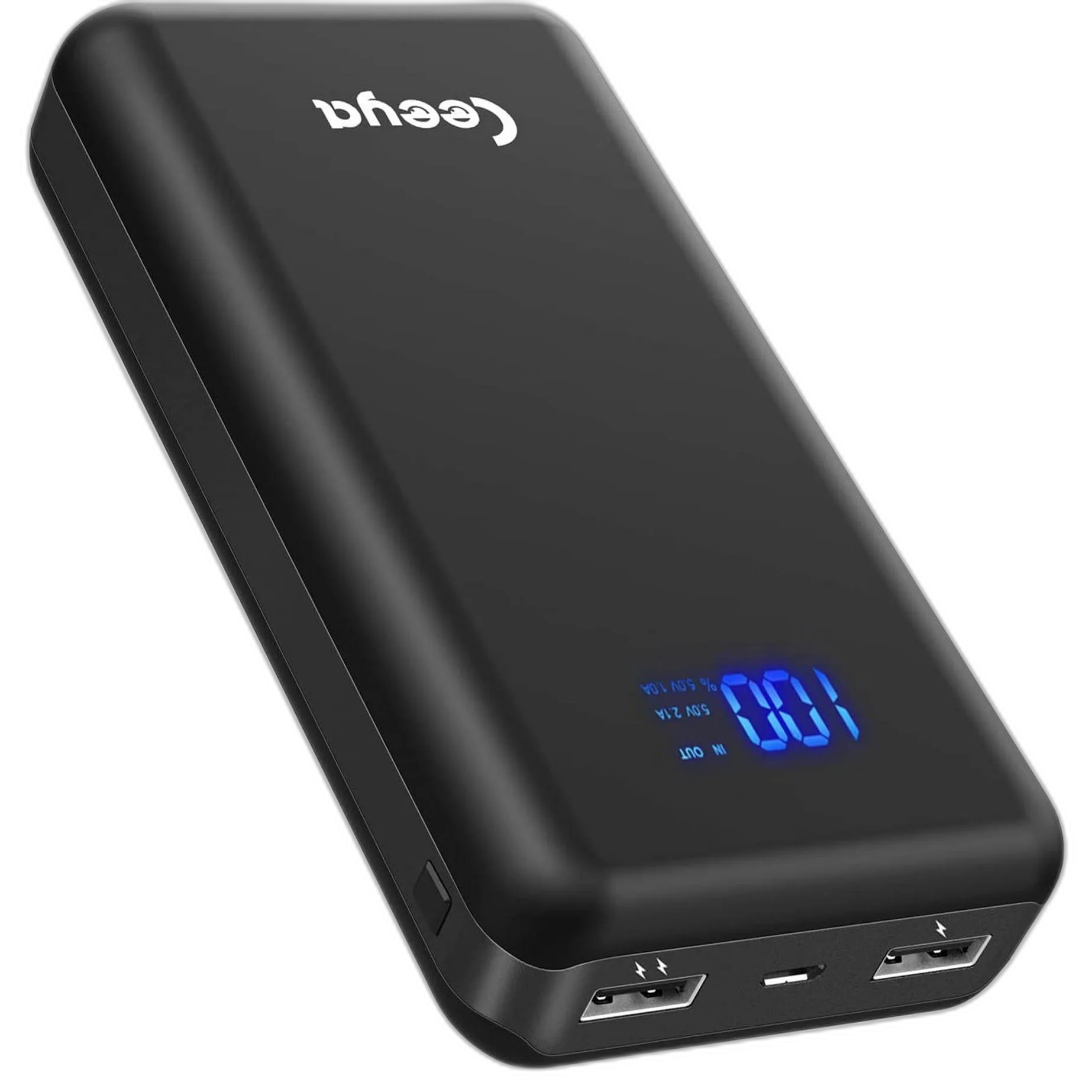
The LCD power bank with two USB outputs offers a visible battery display and two USB output ports. Its micro-USB or USB-C input is used to recharge the power bank itself.
If you want to charge a phone with a USB-C port, choose a cable that connects from a supported output on the bank to your phone. An input labelled USB-C does not automatically mean you can use that port as an output.
5. Review the exact option you are adding
Before adding an item to your cart, read back the selected option and package contents. This is especially helpful when shopping for someone else: save their phone model or outlet requirement alongside your gift note so you can choose confidently.
Looking for a charger that fits your routine? Explore portable chargers and power banks. For a visitor alert, view the doorbell options and choose the plug and package for your entrance.