
Desk Input Accessories: Number Pads, Mice and: Black Friday Tech Guide 2026
By My Smart Life · Published · Updated
Quick answer: A number pad suits repeated numeric entry; an adjustable mouse suits control and comfort; a bank addresses charging. Choose by the task rather than a broad innovation label. A high-speed air blower is a separate cleaning tool and should not be assumed suitable for delicate equipment without instructions.
Your buying checklist
- Check keypad layout and operating-system support.
- Compare mouse shape before maximum DPI.
- Follow equipment-specific cleaning directions rather than using uncontrolled airflow.
Check platform support before extra buttons and lighting
Platform and software
Confirm the exact PC, console or phone support and any driver or companion-software requirements. USB, Bluetooth and a receiver have different capabilities. Macro and remapping functions can depend on the operating system or software running in the background.
Fit and layout
Compare mouse grip, reachable buttons, keyboard layout and available desk space. Compact keyboards can move useful controls to layers. A large DPI range or many switches does not establish comfort or control for the way you play.
Connection and upkeep
Check battery, cable and receiver arrangements, replacement parts and charging. For microphones, confirm input support and mute access. Treat decorative lighting as an optional preference rather than evidence of lower latency or better performance.
Relevant options and trade-offs
These are catalogue options connected to this guide, with different roles and requirements. Listing names identify products; they are not independent test results. Confirm current specifications, supplied accessories, stock and the selected checkout currency on the product page.
| Catalogue option | Potential role | Confirm before choosing |
|---|---|---|
| Numeric USB Keyboard Lightweight Portable Design | May suit the desk layout and shortcuts you actually use. | Check key layout, function layers, connection and software support before size or lighting. |
| Gaming Mouse with Adjustable DPI – Smooth and Precise Control | May suit the user's grip and supported input platform. | Check shape, reachable buttons, connection, remapping support and receiver or cable inclusion. |
| Gaming Mouse with 4 DPI Levels and Textured Grip | May suit the user's grip and supported input platform. | Check shape, reachable buttons, connection, remapping support and receiver or cable inclusion. |
| Magnetic Wireless Power Bank – Fast Charging & LED Display | Cable-light charging when the phone, case and charging surface fit. | Check supported devices, attachment, wireless output and wired fallback; a magnetic connection alone does not establish certification or maximum speed. |
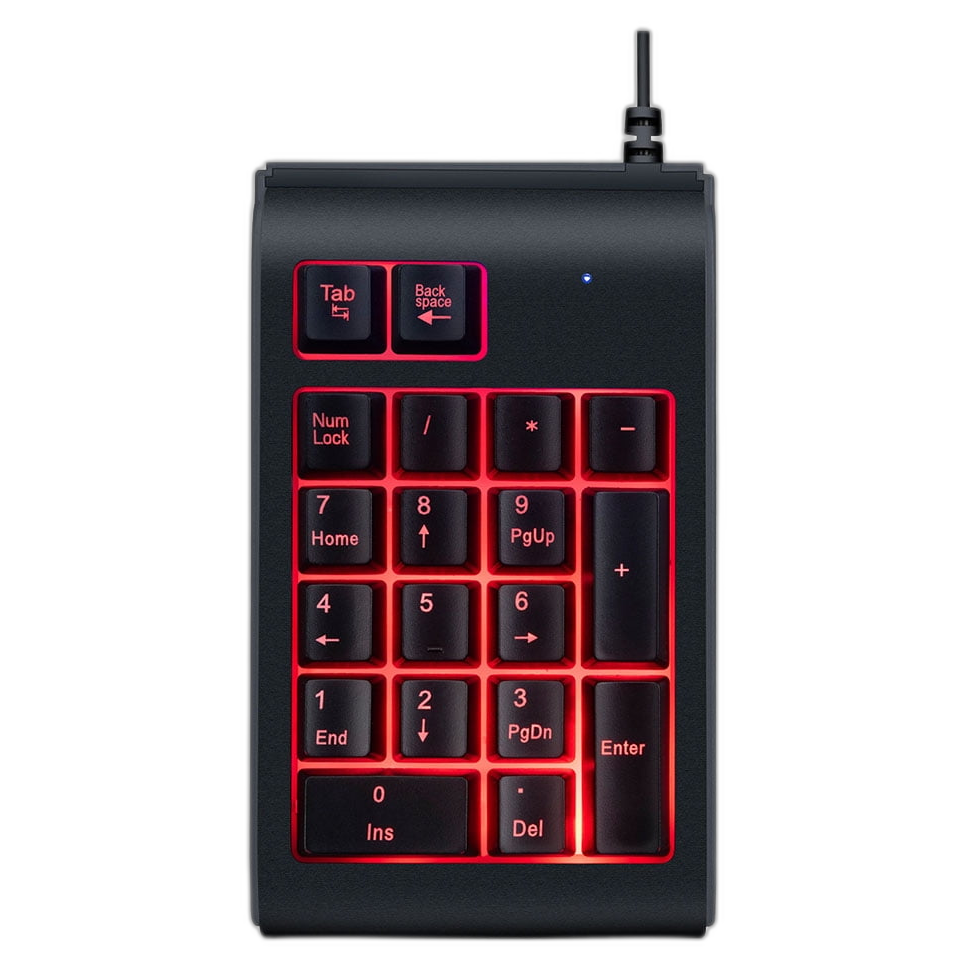
Numeric USB Keyboard Lightweight Portable Design
Consider for: May suit the desk layout and shortcuts you actually use.
Before buying: Check key layout, function layers, connection and software support before size or lighting.
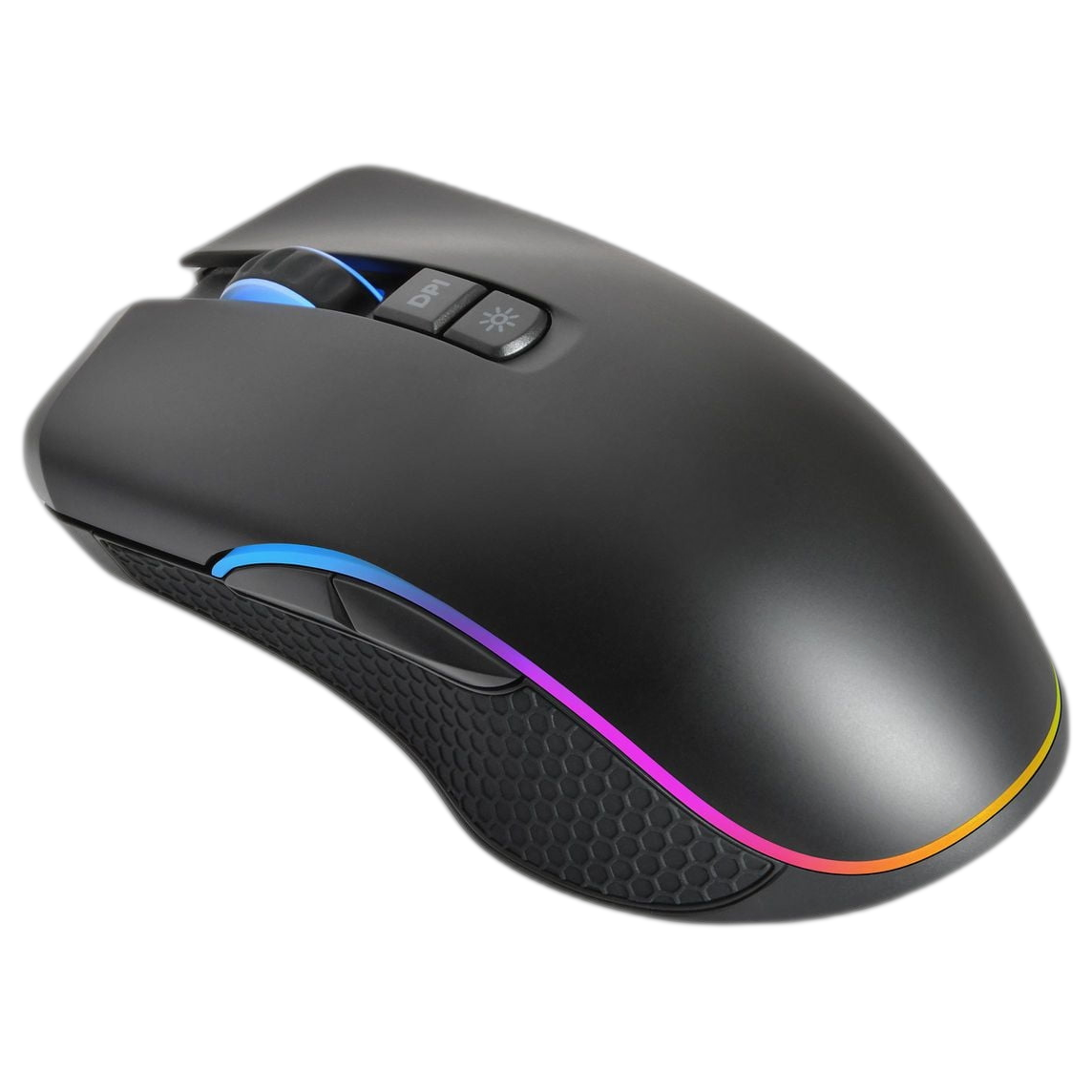
Gaming Mouse with Adjustable DPI – Smooth and Precise Control
Consider for: May suit the user's grip and supported input platform.
Before buying: Check shape, reachable buttons, connection, remapping support and receiver or cable inclusion.
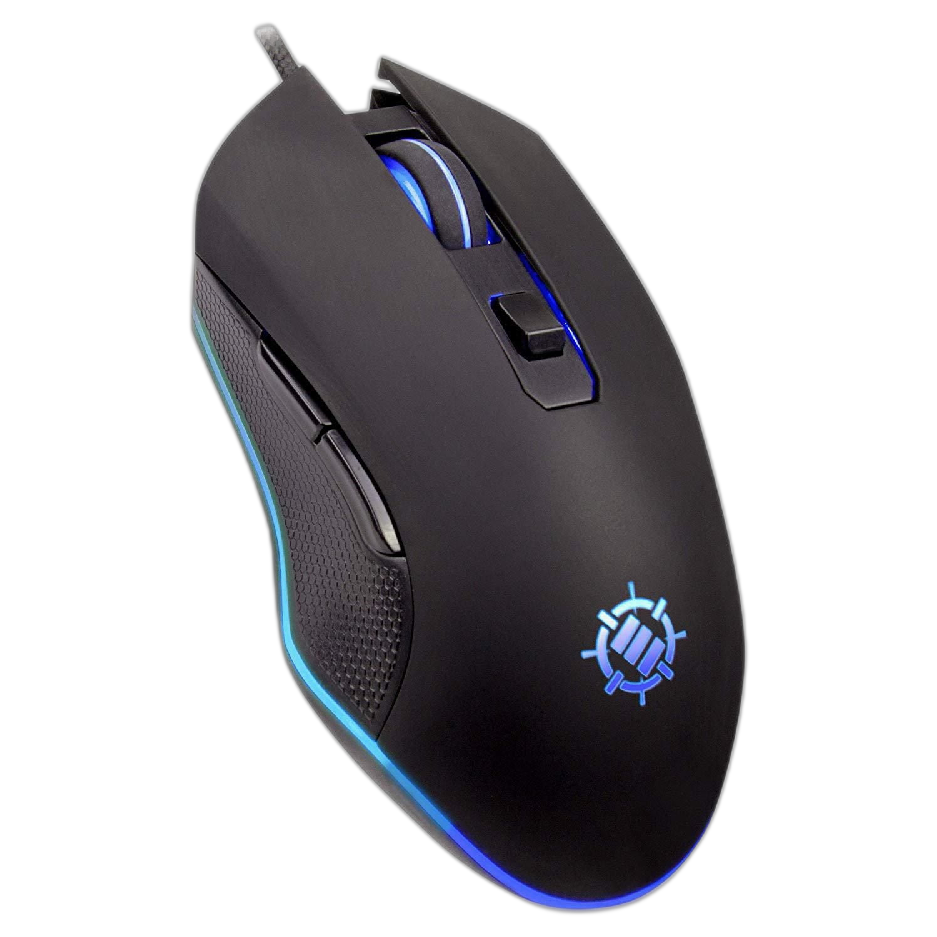
Gaming Mouse with 4 DPI Levels and Textured Grip
Consider for: May suit the user's grip and supported input platform.
Before buying: Check shape, reachable buttons, connection, remapping support and receiver or cable inclusion.
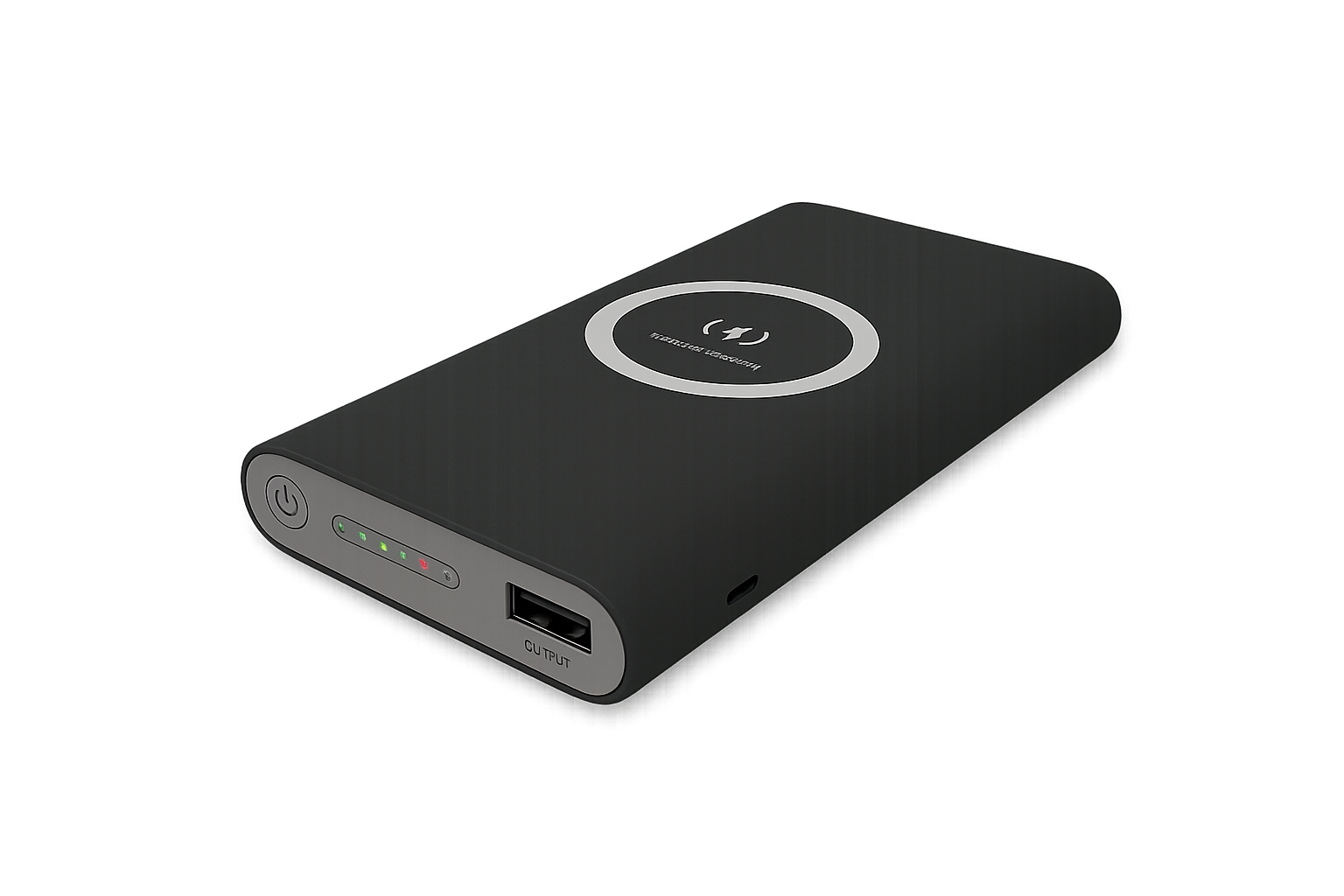
Magnetic Wireless Power Bank – Fast Charging & LED Display
Consider for: Cable-light charging when the phone, case and charging surface fit.
Before buying: Check supported devices, attachment, wireless output and wired fallback; a magnetic connection alone does not establish certification or maximum speed.
If the options above do not match your requirements, compare other gaming accessories before deciding. Buy for a confirmed fit rather than an unsupported ranking.
Before you rely on the setup
Test the accessory in your actual game and everyday work before depending on a new layout. Keep the previous input device available during setup. Check reconnecting, microphone selection and stored profiles. Read the game's rules before using macros or automated actions; technical remapping support does not establish permission in every game.
Questions before buying
Does higher mouse DPI mean a better gaming mouse?
Maximum DPI is one specification. Shape, tracking consistency, reachable buttons and sensitivity you can control are more useful buying questions. Check the surface and platform you actually use.
Will a wireless gaming accessory work on every console?
No. Confirm the supported platform and connection method for the exact model, including microphone and remapping functions. A Bluetooth or USB label alone does not establish complete console support.
How to use this guide
My Smart Life sells products linked in this guide. The comparison uses listed product information and buying criteria; it is not a hands-on test or an independent rating. Confirm uncertain specifications or compatibility with the supplier before ordering. For purchases planned in 2027, recheck availability and model documentation rather than assuming a future release or feature.