
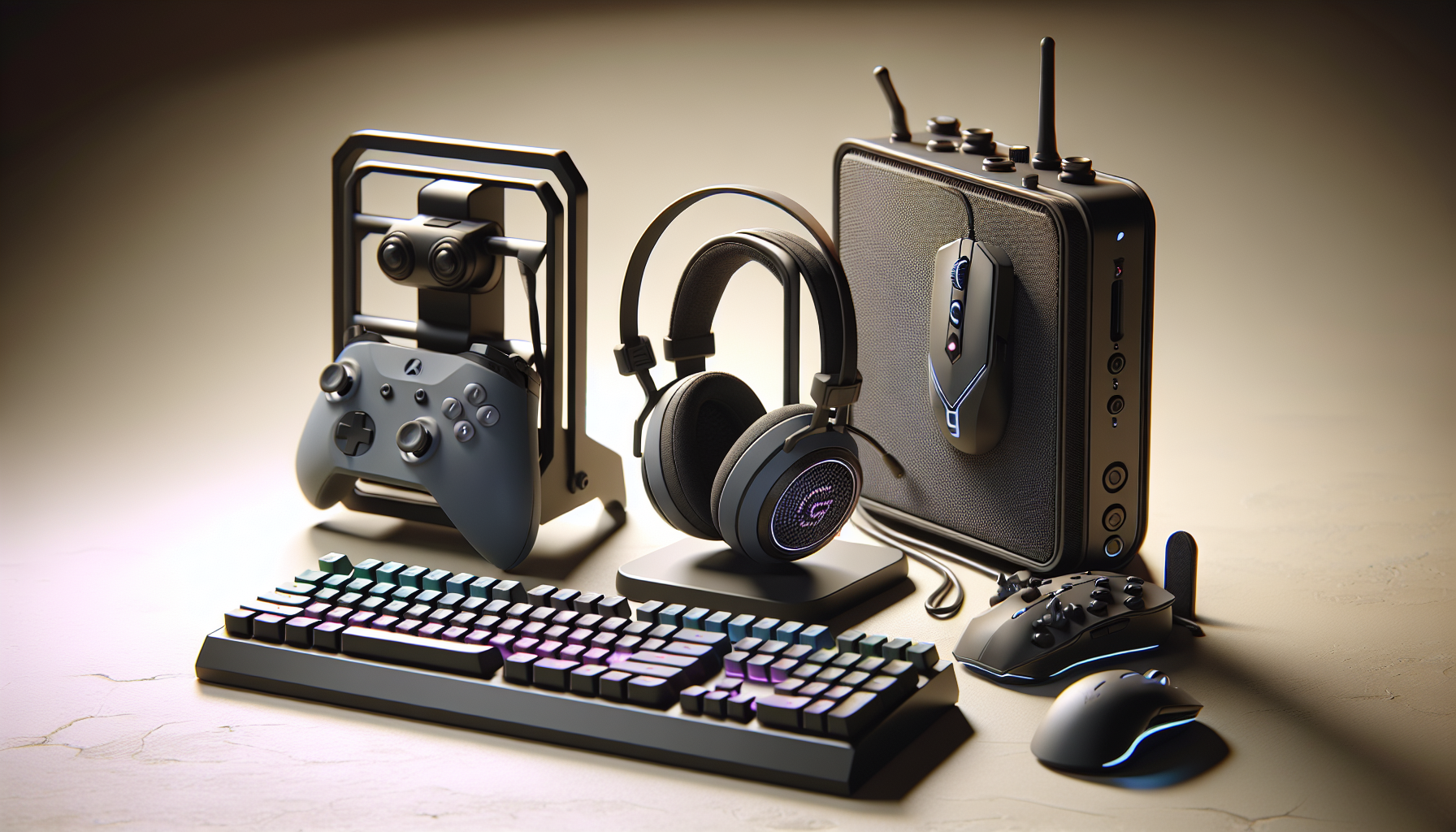
Gaming Desk Organization: Stands and Wireless: Black Friday Gaming Guide 2026
By My Smart Life · Published · Updated
Quick answer: A stand can keep controllers and headsets accessible, while a wireless mouse and keyboard change charging and connection routines. Choose organization around the items you own. A vertical mouse needs its own fit trial, and a compact keyboard may move useful controls to a layer. Check usable space before buying.
Your buying checklist
- Measure stand clearance and accessory fit.
- Confirm receiver and Bluetooth support.
- Plan a reachable place to charge wireless devices.
Check platform support before extra buttons and lighting
Platform and software
Confirm the exact PC, console or phone support and any driver or companion-software requirements. USB, Bluetooth and a receiver have different capabilities. Macro and remapping functions can depend on the operating system or software running in the background.
Fit and layout
Compare mouse grip, reachable buttons, keyboard layout and available desk space. Compact keyboards can move useful controls to layers. A large DPI range or many switches does not establish comfort or control for the way you play.
Connection and upkeep
Check battery, cable and receiver arrangements, replacement parts and charging. For microphones, confirm input support and mute access. Treat decorative lighting as an optional preference rather than evidence of lower latency or better performance.
Relevant options and trade-offs
These are catalogue options connected to this guide, with different roles and requirements. Listing names identify products; they are not independent test results. Confirm current specifications, supplied accessories, stock and the selected checkout currency on the product page.
| Catalogue option | Potential role | Confirm before choosing |
|---|---|---|
| 3-in-1 Gaming Headset Holder & Controller Stand | Game audio and chat through a connection supported by the platform. | Check receiver inclusion, console chat support, mute controls and wired fallback; a surround label is not platform certification. |
| Wireless Vertical Gaming Mouse 2.4G+BT3.0+BT5.0 Triple-mode Ergonomic Design | May suit the user's grip and supported input platform. | Check shape, reachable buttons, connection, remapping support and receiver or cable inclusion. |
| Mini Cute Gaming Keyboard Mouse Set 3 Gear DPI Rechargeable 2.4GHz | May suit the user's grip and supported input platform. | Check shape, reachable buttons, connection, remapping support and receiver or cable inclusion. |
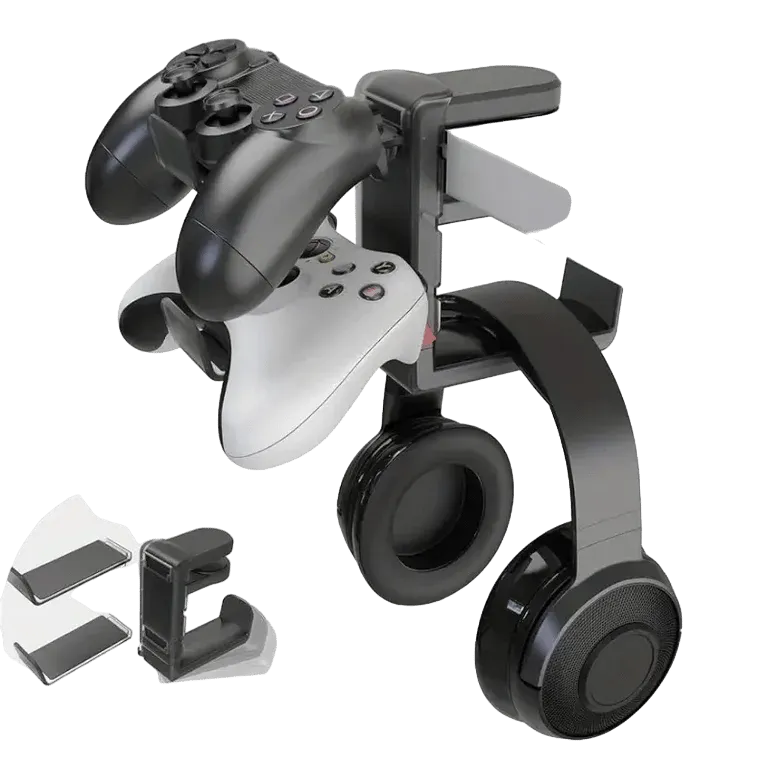
3-in-1 Gaming Headset Holder & Controller Stand
Consider for: Game audio and chat through a connection supported by the platform.
Before buying: Check receiver inclusion, console chat support, mute controls and wired fallback; a surround label is not platform certification.
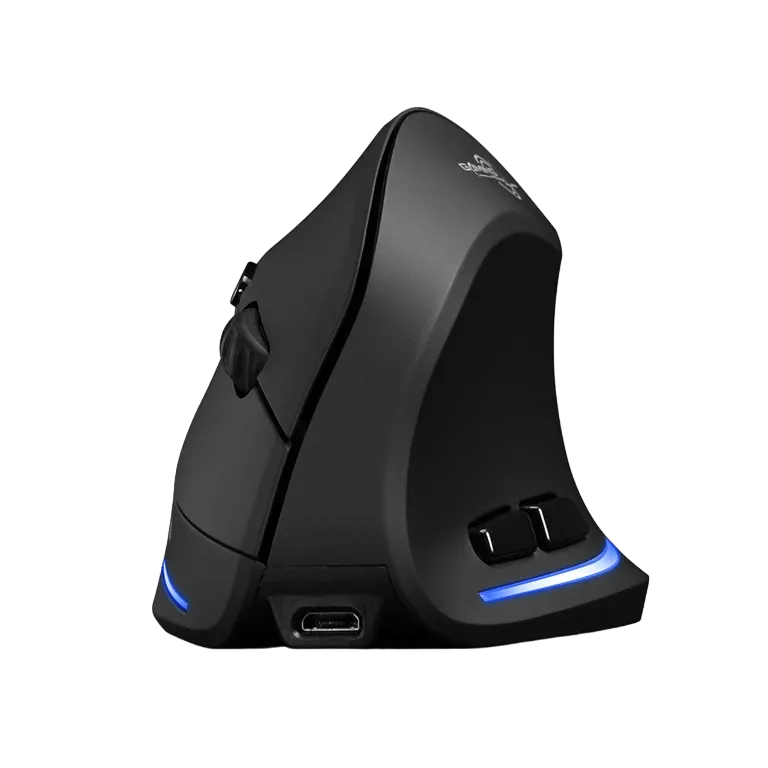
Wireless Vertical Gaming Mouse 2.4G+BT3.0+BT5.0 Triple-mode Ergonomic Design
Consider for: May suit the user's grip and supported input platform.
Before buying: Check shape, reachable buttons, connection, remapping support and receiver or cable inclusion.
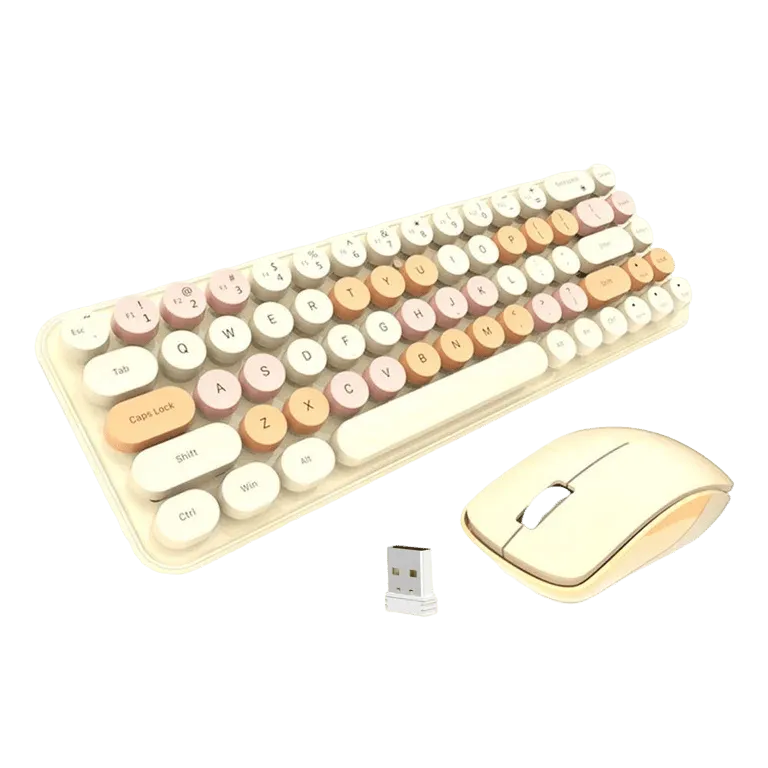
Mini Cute Gaming Keyboard Mouse Set 3 Gear DPI Rechargeable 2.4GHz
Consider for: May suit the user's grip and supported input platform.
Before buying: Check shape, reachable buttons, connection, remapping support and receiver or cable inclusion.
If the options above do not match your requirements, compare other gaming accessories before deciding. Buy for a confirmed fit rather than an unsupported ranking.
Before you rely on the setup
Test the accessory in your actual game and everyday work before depending on a new layout. Keep the previous input device available during setup. Check reconnecting, microphone selection and stored profiles. Read the game's rules before using macros or automated actions; technical remapping support does not establish permission in every game.
Questions before buying
Does higher mouse DPI mean a better gaming mouse?
Maximum DPI is one specification. Shape, tracking consistency, reachable buttons and sensitivity you can control are more useful buying questions. Check the surface and platform you actually use.
Will a wireless gaming accessory work on every console?
No. Confirm the supported platform and connection method for the exact model, including microphone and remapping functions. A Bluetooth or USB label alone does not establish complete console support.
How to use this guide
My Smart Life sells products linked in this guide. The comparison uses listed product information and buying criteria; it is not a hands-on test or an independent rating. Confirm uncertain specifications or compatibility with the supplier before ordering. For purchases planned in 2027, recheck availability and model documentation rather than assuming a future release or feature.