
Home Office Gifts: Keyboards, Humidifiers and: Holiday Home Security Guide 2026
By My Smart Life · Published · Updated
Quick answer: A home office gift should suit the recipient's workspace. A compact keyboard needs the right layout and connection; a humidifier adds a cleaning routine; a camera adds privacy and account decisions. Measure the available space and ask about preferences before choosing an accessory only for its appearance.
Your buying checklist
- Check keyboard language layout and device support.
- Consider humidity before buying a mist device.
- Confirm the recipient wants a monitoring camera.
Make the gift usable on the first day
Check the recipient's phone, platform, room or routine before selecting a feature. Include necessary cables, adapters or consumables when they are not supplied, and keep the product and return information accessible. For Christmas or Boxing Day 2026 and gift purchases planned in 2027, confirm delivery timing and current return terms instead of assuming a promotion or price. Avoid selecting health-related or highly fitted devices solely as a surprise: compatibility and personal suitability can matter more than a long feature list.
Choose a gift the recipient can use without guesswork
Recipient and devices
Match the accessory to the person's actual phone, computer, room or activity. Check connector, platform and size. A gift with uncertain compatibility can leave the recipient with setup work or an unusable accessory.
Maintenance and privacy
Consider cleaning, consumables, accounts and body-contact preferences. Cameras, scented devices and wellness wearables can be personal choices. Confirm interest rather than assuming every popular feature suits the household.
Delivery and returns
Check the current delivery estimate, gift return conditions and included accessories. Compare the total checkout amount in the selected currency. For Christmas 2026 and gifting in 2027, rely on announced stock and terms rather than assumed holiday discounts.
Relevant options and trade-offs
These are catalogue options connected to this guide, with different roles and requirements. Listing names identify products; they are not independent test results. Confirm current specifications, supplied accessories, stock and the selected checkout currency on the product page.
| Catalogue option | Potential role | Confirm before choosing |
|---|---|---|
| Flame Design Cool Mist Humidifier | 7 Color LED, USB, Aroma Diffuser | May suit a placement where moisture or permitted scent is wanted. | Check tank cleaning, room moisture, controls and allowed oils; mist is not evidence of air purification. |
| Compact 78-Key Wireless Keyboard and Mouse Set | May suit the user's grip and supported input platform. | Check shape, reachable buttons, connection, remapping support and receiver or cable inclusion. |
| 1080P WiFi IP Camera with AI Human Detection & 360° View | May fit a defined monitoring or recording view. | Verify power, recorded resolution, storage, app access and the exact installation environment. |
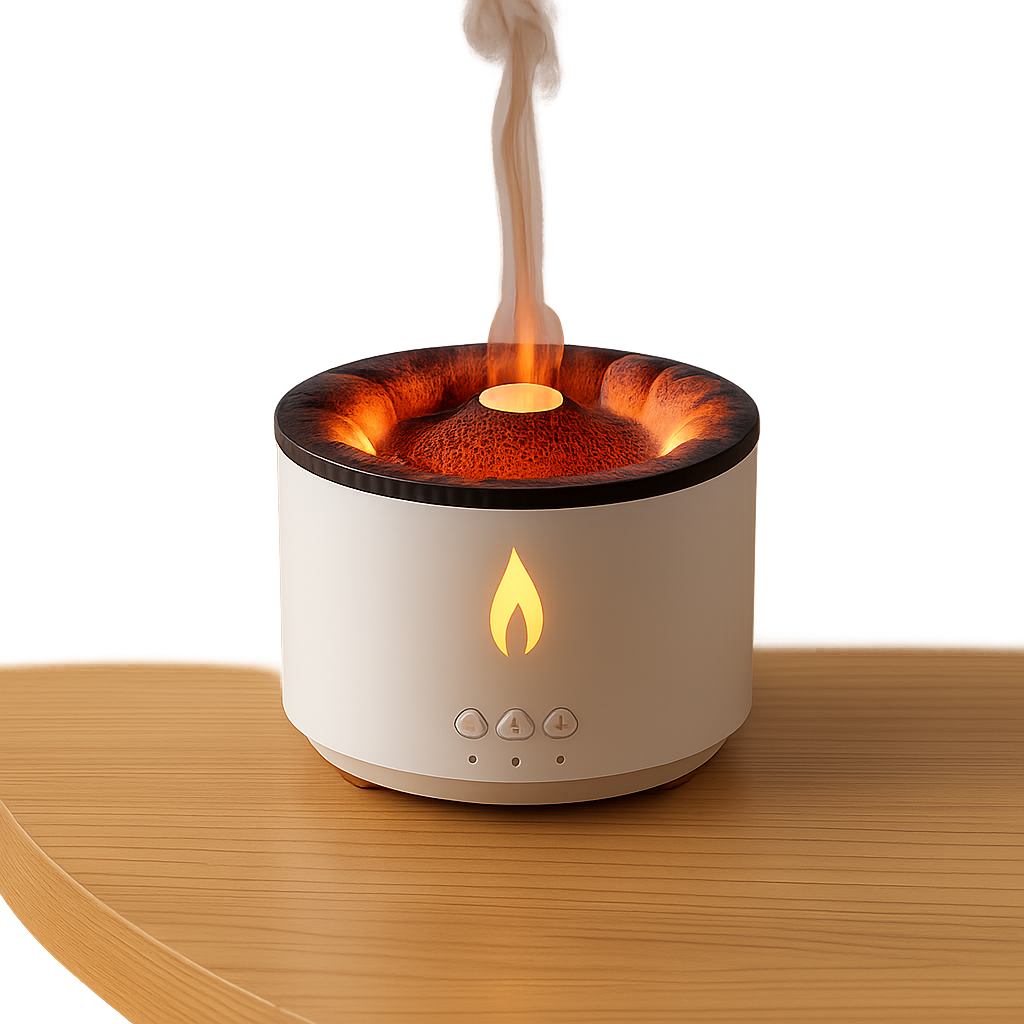
Flame Design Cool Mist Humidifier | 7 Color LED, USB, Aroma Diffuser
Consider for: May suit a placement where moisture or permitted scent is wanted.
Before buying: Check tank cleaning, room moisture, controls and allowed oils; mist is not evidence of air purification.
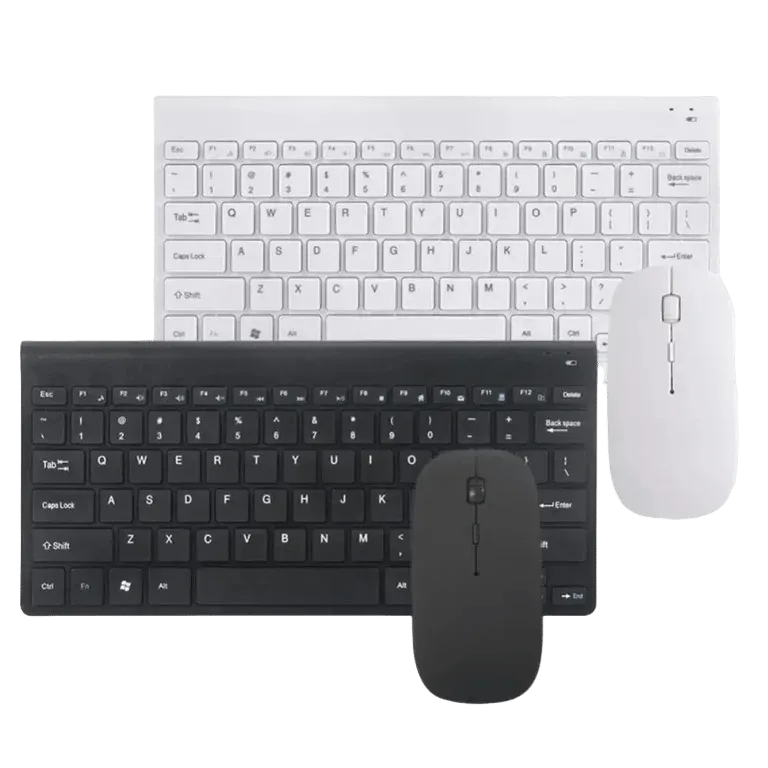
Compact 78-Key Wireless Keyboard and Mouse Set
Consider for: May suit the user's grip and supported input platform.
Before buying: Check shape, reachable buttons, connection, remapping support and receiver or cable inclusion.
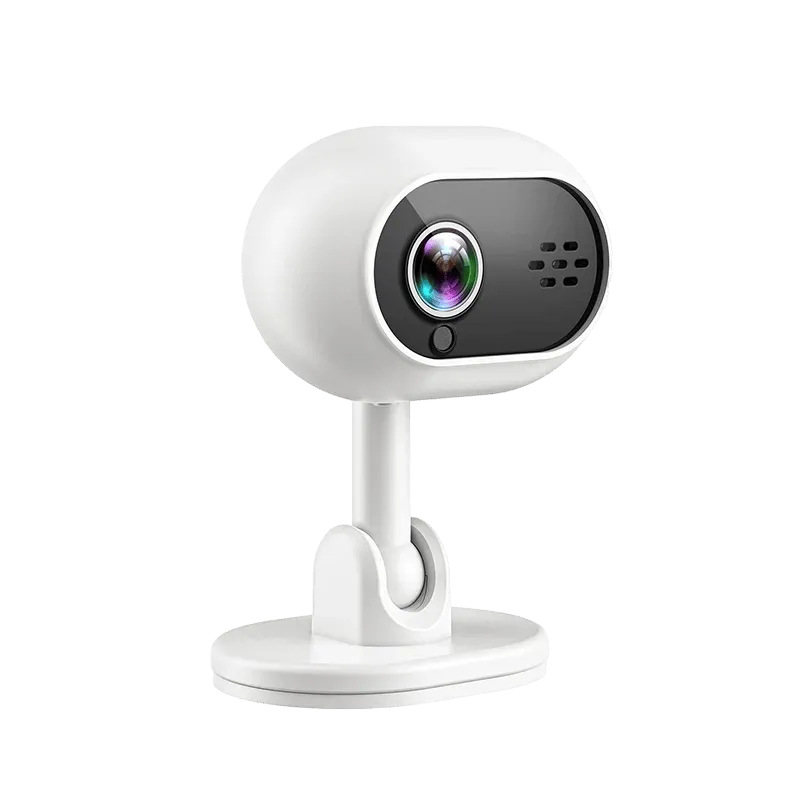
1080P WiFi IP Camera with AI Human Detection & 360° View
Consider for: May fit a defined monitoring or recording view.
Before buying: Verify power, recorded resolution, storage, app access and the exact installation environment.
If the options above do not match your requirements, compare other tech gifts before deciding. Buy for a confirmed fit rather than an unsupported ranking.
Before you rely on the setup
Before gifting, verify the model and supplied accessories without altering personal accounts for the recipient. Keep receipts and setup information accessible. For Black Friday or Boxing Day 2026 shopping, use the same compatibility checklist as any other purchase; a discount cannot make an unsuitable accessory useful.
Questions before buying
What should I confirm before giving a tech accessory?
Check compatibility, included power accessories, consumables and current return terms. For wearable or personal-care devices, consider fit and the recipient's preference.
What makes a tech gift easier to use?
A clear purpose, confirmed device fit, included essential accessories and manageable setup are useful starting points. Check the recipient's preference before choosing an account-based, scented or body-worn item.
Should I wait for an advertised holiday deal?
Compare current terms and your delivery needs. This guide does not promise future discounts. Check actual stock, price, shipping and returns when deciding whether a purchase fits the occasion.
How to use this guide
My Smart Life sells products linked in this guide. The comparison uses listed product information and buying criteria; it is not a hands-on test or an independent rating. Confirm uncertain specifications or compatibility with the supplier before ordering. For purchases planned in 2027, recheck availability and model documentation rather than assuming a future release or feature.