
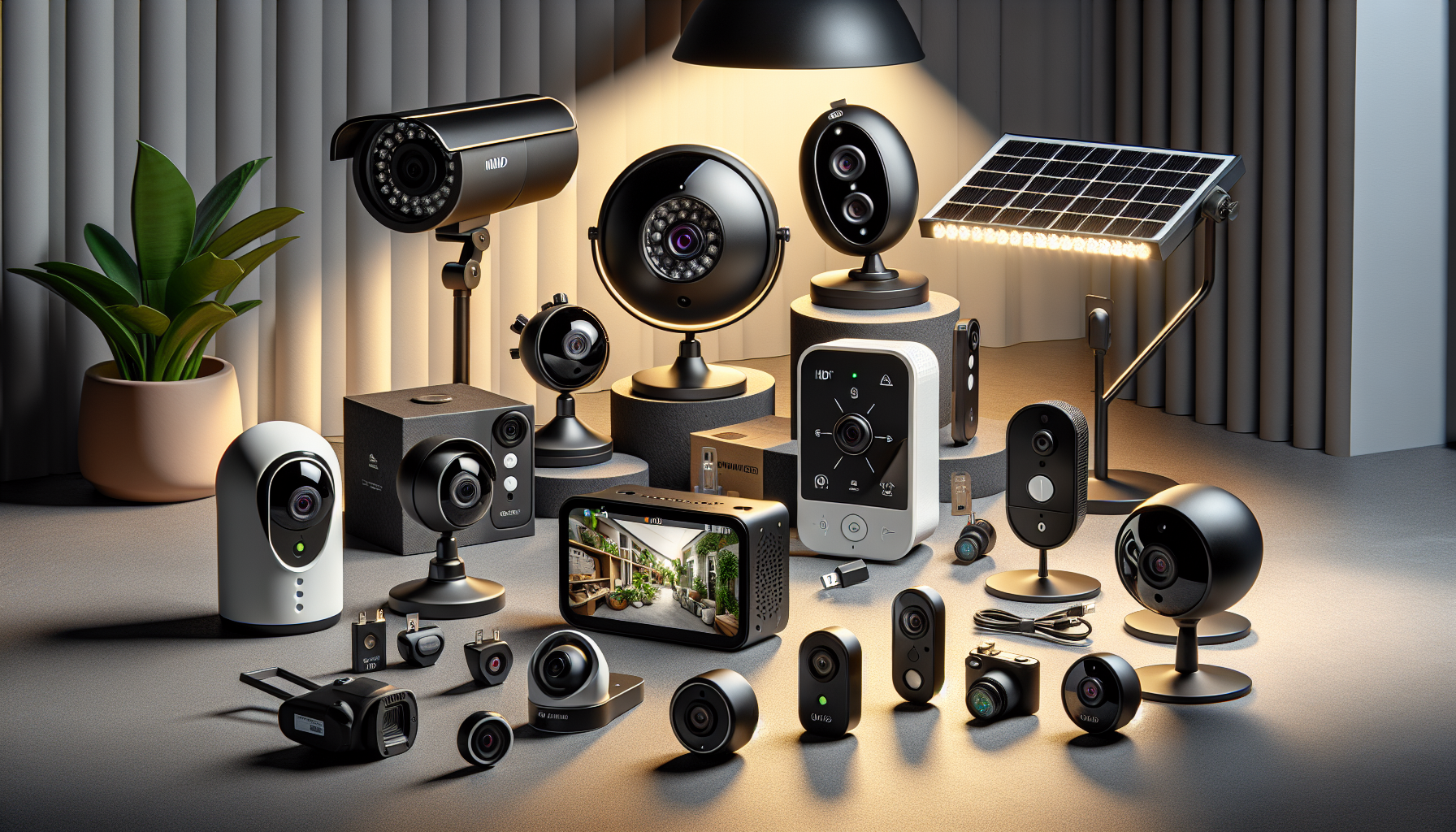
Mini Camera Installation: Power, Solar: Holiday Home Security Guide 2026
By My Smart Life · Published · Updated
Quick answer: A mini camera installation needs more than a small housing. Match power, storage and placement to the recording task. Solar accessories work only with compatible inputs, and a camera detector is a separate tool with limited detection methods. Check each component individually rather than assuming a mixed selection forms a complete system.
Your buying checklist
- Verify camera input voltage and connector.
- Confirm panel compatibility and exposure.
- Use a clearly understood recording arrangement in the household.
Check the recording workflow before the resolution claim
Recording and retrieval
Identify whether clips are stored on a card, recorder or cloud service. Check any paid-plan requirements and how to export an event. An alert with no accessible recording may not meet the purpose you had in mind.
Power and coverage
Wireless often describes the data connection while power remains wired. Check battery or adapter requirements and map the area the lens must show. A moving PTZ view is different from simultaneous coverage across a room.
Account and updates
Review password controls, shared access and the supplier's update information. Remove accounts that no longer need access. A device that is simple to install can still require care to manage permissions and recordings.
Relevant options and trade-offs
These are catalogue options connected to this guide, with different roles and requirements. Listing names identify products; they are not independent test results. Confirm current specifications, supplied accessories, stock and the selected checkout currency on the product page.
| Catalogue option | Potential role | Confirm before choosing |
|---|---|---|
| Mini Wireless 1080P Security Camera with Night Vision & Motion Detection | May fit a defined monitoring or recording view. | Verify power, recorded resolution, storage, app access and the exact installation environment. |
| 1080P HD WiFi Clock Camera with 166° Wide-Angle Lens and Night Vision | A fixed view at the height and angle of a clock placement. | Check the actual lens position, mains or battery needs, card access and whether display functions continue while recording. |
| 2W Solar Panels: Designed for Blink XT/XT2, Outdoor, and SimpliSafe Cameras | May supplement a compatible charging system in suitable sunlight. | Verify voltage, connectors, battery-input compatibility and whether extra regulation is required. |
| 1080P Mini WiFi Camera with Night Vision and Motion Detection | May fit a defined monitoring or recording view. | Verify power, recorded resolution, storage, app access and the exact installation environment. |
| USB Hidden Camera Detector - Spy Lens and GPS Tracker Finder | Useful only for the detection methods documented for the model. | Check detection method and limitations; a negative scan is not proof that no camera exists. |
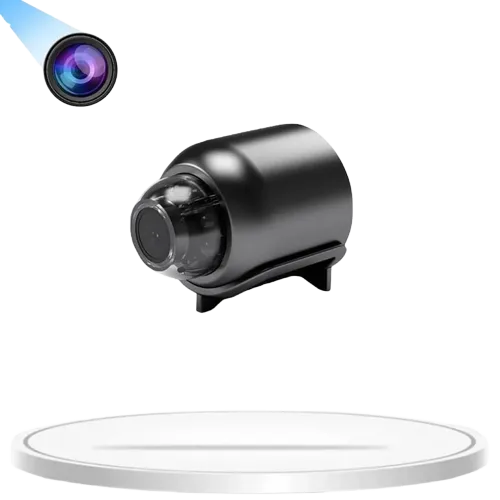
Mini Wireless 1080P Security Camera with Night Vision & Motion Detection
Consider for: May fit a defined monitoring or recording view.
Before buying: Verify power, recorded resolution, storage, app access and the exact installation environment.

1080P HD WiFi Clock Camera with 166° Wide-Angle Lens and Night Vision
Consider for: A fixed view at the height and angle of a clock placement.
Before buying: Check the actual lens position, mains or battery needs, card access and whether display functions continue while recording.
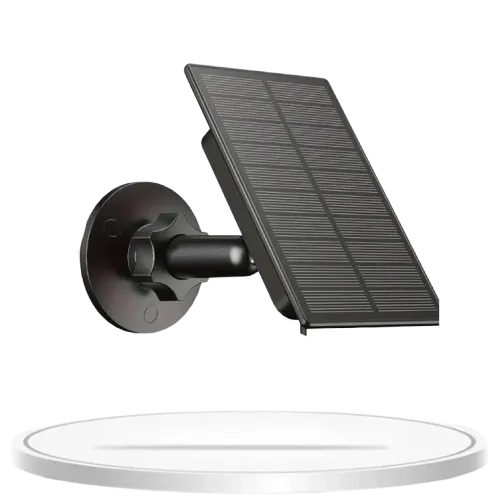
2W Solar Panels: Designed for Blink XT/XT2, Outdoor, and SimpliSafe Cameras
Consider for: May supplement a compatible charging system in suitable sunlight.
Before buying: Verify voltage, connectors, battery-input compatibility and whether extra regulation is required.
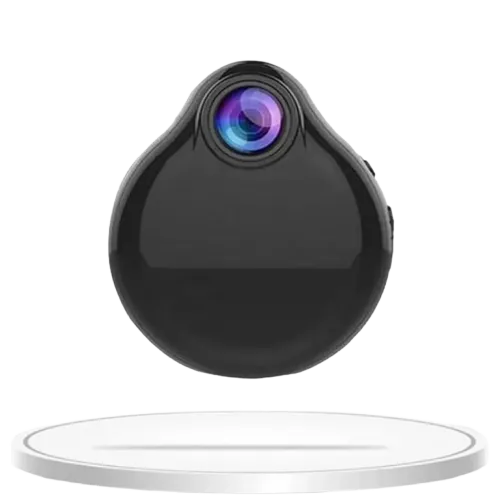
1080P Mini WiFi Camera with Night Vision and Motion Detection
Consider for: May fit a defined monitoring or recording view.
Before buying: Verify power, recorded resolution, storage, app access and the exact installation environment.
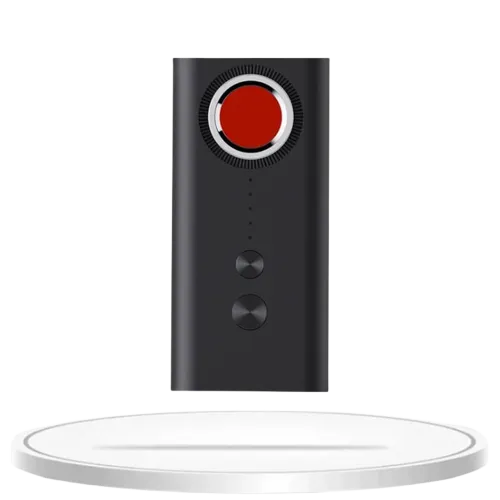
USB Hidden Camera Detector - Spy Lens and GPS Tracker Finder
Consider for: Useful only for the detection methods documented for the model.
Before buying: Check detection method and limitations; a negative scan is not proof that no camera exists.
If the options above do not match your requirements, compare other security cameras before deciding. Buy for a confirmed fit rather than an unsupported ranking.
Before you rely on the setup
Test the proposed location before fixing the mount. Save a day and night recording, play both outside the app if export is supported, and check what happens after a restart. For an outdoor installation in Canada, verify the operating-temperature range and enclosure limits for the exact model rather than relying on a waterproof headline.
Questions before buying
Does a Wi-Fi camera always need a subscription?
No single rule covers every model. Confirm which features work locally, which require an account and which require a paid plan. Check recorded-clip access as well as live view.
Can an indoor camera be installed outdoors?
Use it outdoors only when the exact model is documented for that setting and temperature range. A covered porch still has moisture and temperature changes; a small housing or wireless feature does not establish weather protection.
How to use this guide
My Smart Life sells products linked in this guide. The comparison uses listed product information and buying criteria; it is not a hands-on test or an independent rating. Confirm uncertain specifications or compatibility with the supplier before ordering. For purchases planned in 2027, recheck availability and model documentation rather than assuming a future release or feature.
Further reading: Canadian privacy resources on surveillance, Connectivity Standards Alliance certified-product directory.