
How to Choose a WiFi Security Camera for Your Home
By My Smart Life · Published
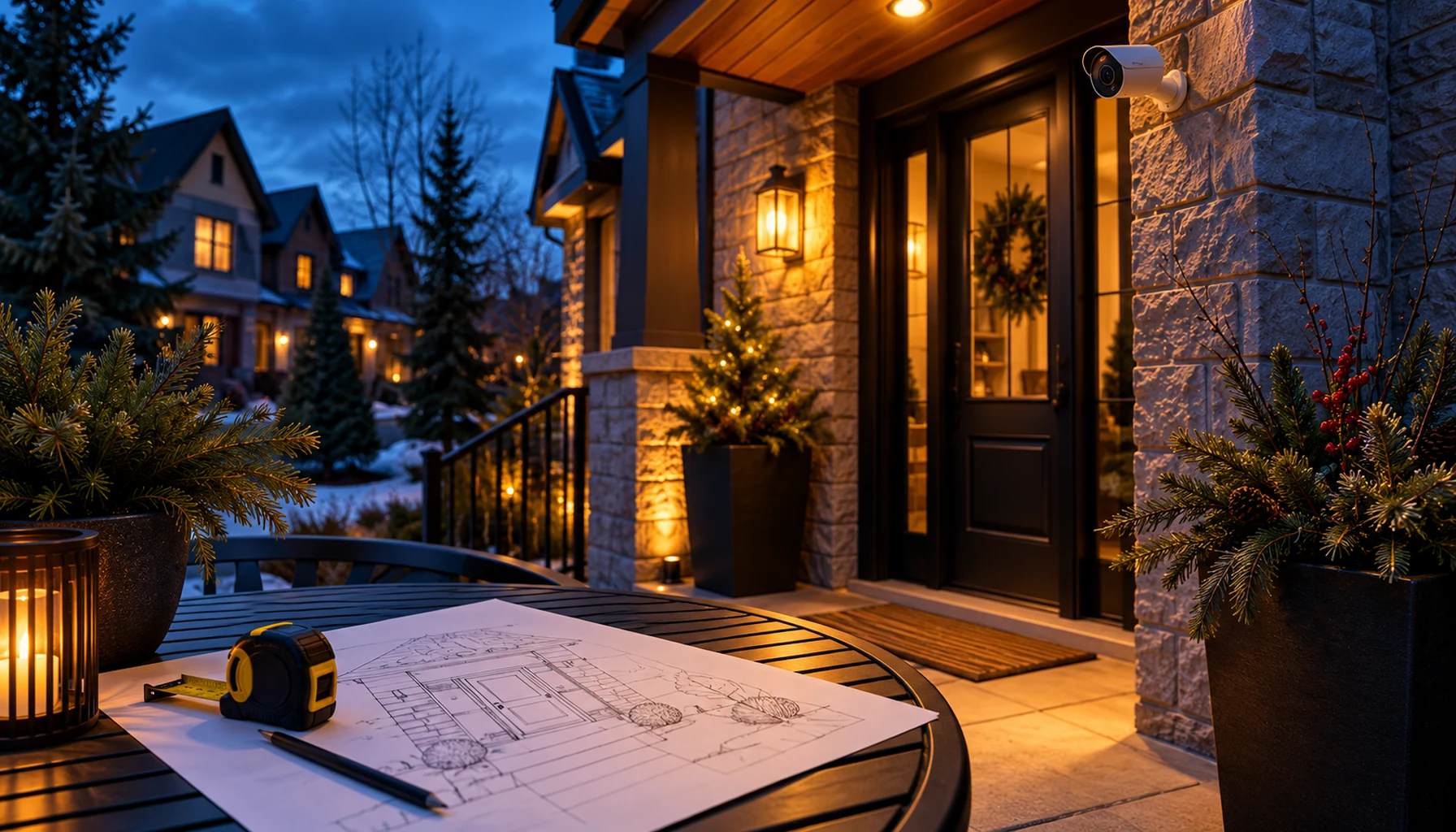
The right home camera starts with the area you want to see. Checking a room while you are away is a different task from viewing an outdoor entrance. Decide on that location first, then look for the camera functions that help you use it.
These three WiFi cameras offer different starting points. Think about the view you need, the power connection nearby and how you want to check activity on your phone.
For an outdoor entrance: adjustable viewing and two-way audio
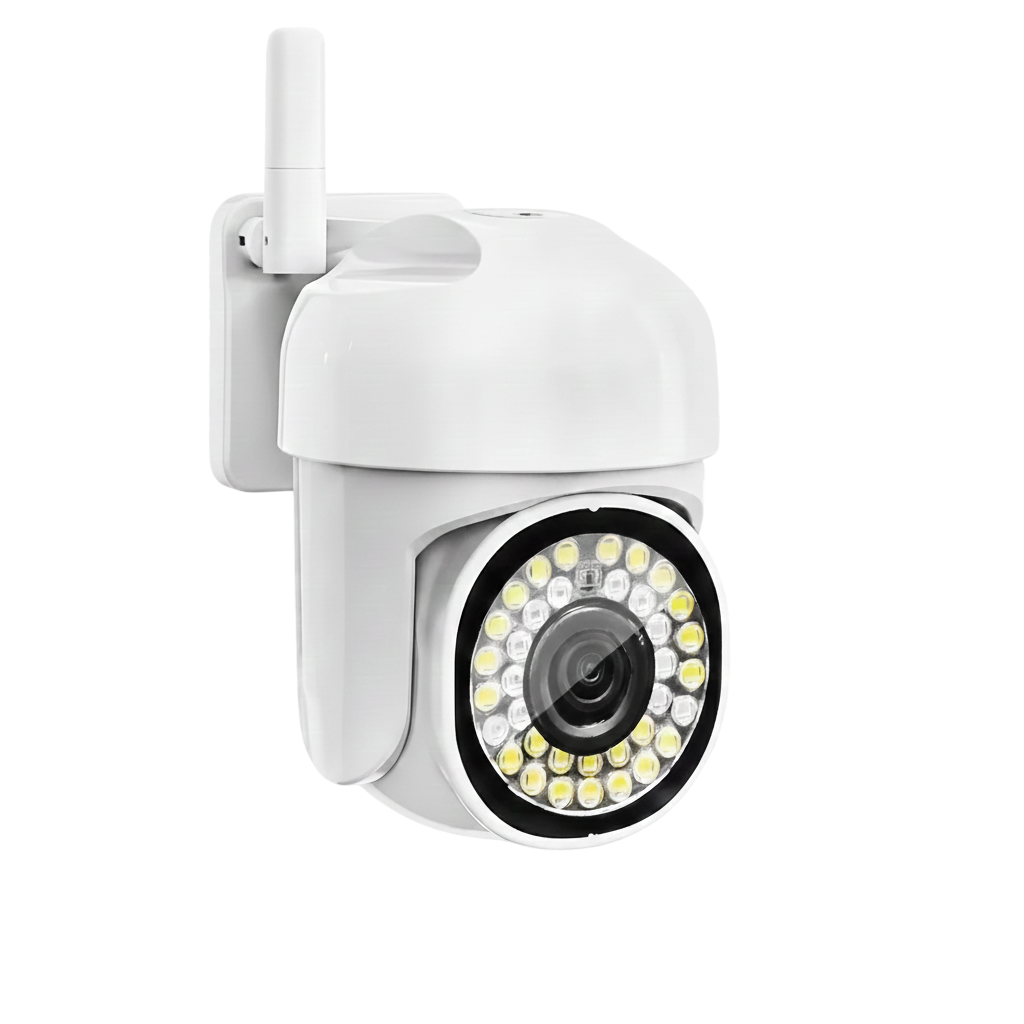
The outdoor PTZ WiFi camera offers an adjustable view, automatic tracking, colour night vision and two-way audio. Its IP66 rating describes protection against dust and water, while 8× digital zoom enlarges the image for a closer look.
It is an option to consider for a suitable outdoor location. Aim it towards your entrance or property, and follow the installation instructions for exposure and protecting the power connections. Digital zoom enlarges the existing picture, so camera position still matters when you want to see detail.
For a room: a view you can adjust
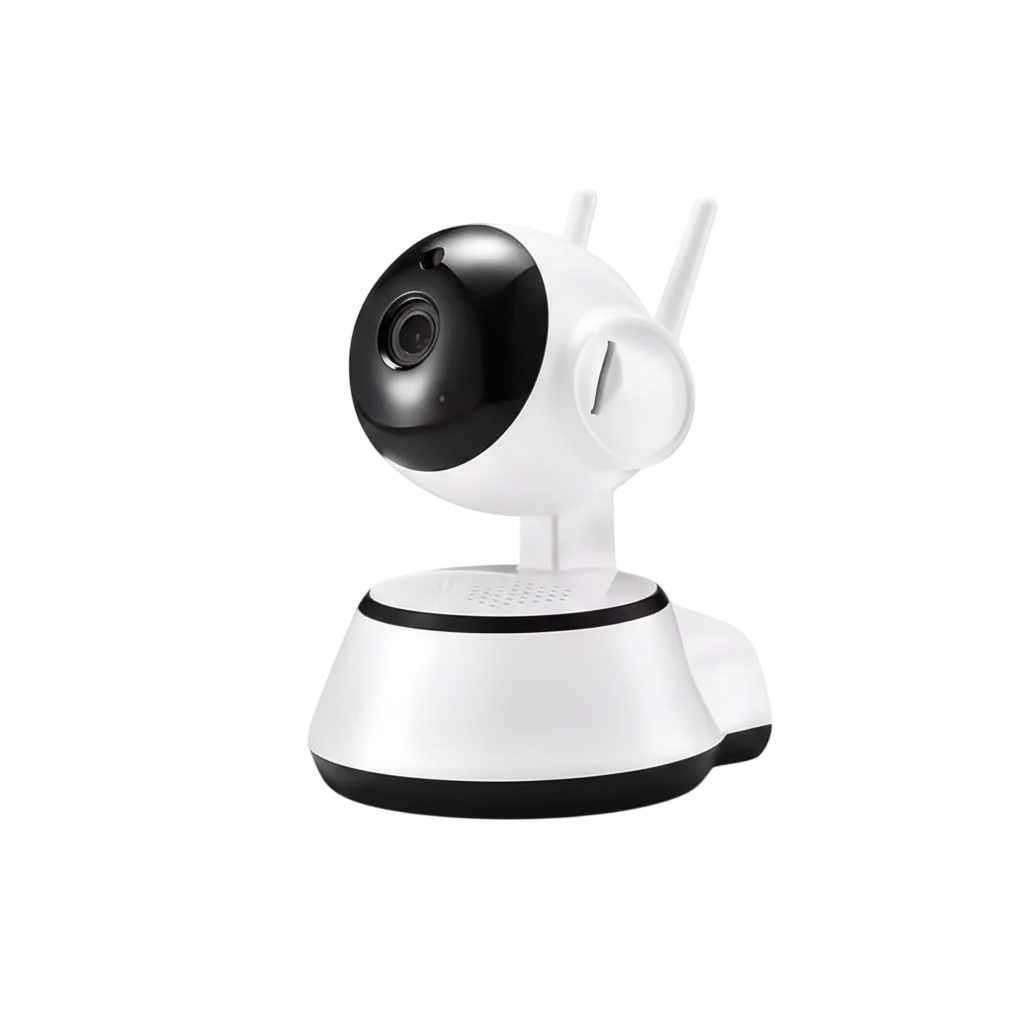
The indoor PTZ WiFi camera with human tracking lets you adjust the viewing direction and includes tracking and night vision. It is an idea for a room where you want to check more than one part of the space from a suitable camera position.
Place it where furniture does not block the area you want to see. Think about your main question—whether someone has arrived home, for example—and aim the view at the relevant shared area rather than trying to cover every corner.
For motion alerts: a room-monitoring option
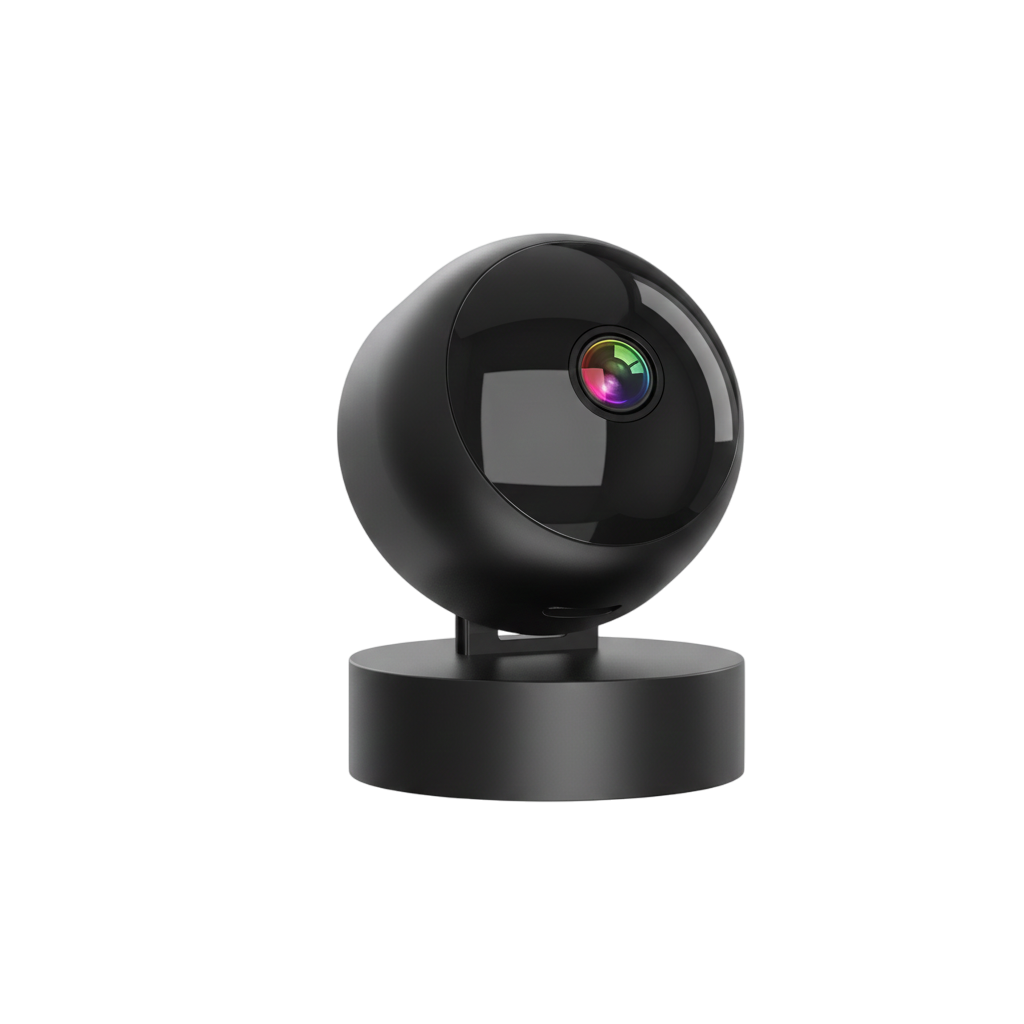
The S2 WiFi camera with motion alerts and night vision is another option for checking a room. Motion notifications can help you decide when to open the camera view rather than watching it continuously.
If you want to move the view from your phone, ask about this model's movement controls before ordering. Choose an indoor position unless the outdoor rating for the exact model is confirmed.
Plan how the camera will work in your space
Before choosing, check WiFi reception and power at the intended position. Ask which app the camera uses and how recordings are stored, including whether a memory card or paid service is needed. Those details determine how you will use the camera day to day.
For outdoor use in Canada, confirm the operating temperature range for your location as well as weather protection. Keep the view directed at your own property, let household members know about indoor cameras and use a strong account password.
Choose around the view you need
Start with the outdoor model for a suitable entrance, the indoor PTZ model for an adjustable room view, or the S2 for a room where motion alerts are the main attraction. Then check the recording and setup details for your preferred option.
Explore home security cameras and choose a model around a clearly planned location.