
Smart Sockets, Humidity Sensors and Control Panels: Holiday Shopping Guide 2026
By My Smart Life · Published · Updated
Quick answer: A humidity sensor measures conditions, a socket controls a supported load, and a panel may coordinate compatible devices. They form a useful routine only when the protocols, app and automation rules align. Check local behaviour and manual fallback before expecting a multi-protocol label to connect everything in the home.
Your buying checklist
- Verify the exact supported device protocols.
- Check whether sensor-triggered routines need internet.
- Confirm load limits and manual switching for the socket.
Write down every required part of the control chain
Identify the device protocol, controller or hub, app and any bridge. Then verify the exact model combination, including which features work through it. A common ecosystem name does not establish that a Zigbee device, Wi-Fi device and Matter device share the same connection or controls. Check local routines and manual fallback before buying several devices. Record account ownership and reset steps so a replacement phone or new household member does not make the setup difficult to maintain.
Compatibility comes before automating a routine
Control platform
Write down the app, controller and protocol required by each device. Wi-Fi, Zigbee and Matter are different compatibility questions. Check support for the exact product; a familiar ecosystem name does not guarantee every function in every controller.
Physical and electrical fit
Check mounting dimensions, voltage, load limits and the actual Canadian variant. A switch, lock or motor needs a suitable physical installation as well as app support. Arrange qualified installation when the work or instructions require it.
Fallback and maintenance
Confirm what works during internet loss and how to use a manual control. Keep access credentials and replacement supplies manageable. Convenience routines should remain understandable to other people who use the home.
Relevant options and trade-offs
These are catalogue options connected to this guide, with different roles and requirements. Listing names identify products; they are not independent test results. Confirm current specifications, supplied accessories, stock and the selected checkout currency on the product page.
| Catalogue option | Potential role | Confirm before choosing |
|---|---|---|
| Smart Wi-Fi Socket for Remote Control and Energy Saving | May suit a supported appliance load and understandable routine. | Verify the Canadian variant, electrical approval, permitted loads, manual operation and power-return behaviour. |
| Indoor Temperature Humidity Sensor Monitor - Real-Time Updates | Room observation with the documented audio or monitoring controls. | Check audio permissions, placement, app sharing and recorded-clip access; monitoring does not replace direct supervision or care. |
| Smart Home Automation Touch Control Panel Hub - Multi-Protocol Compatible | May support a specific alert or control routine with verified compatibility. | Check the protocol, exact device support, local behaviour, supply and installation or certification needs. |
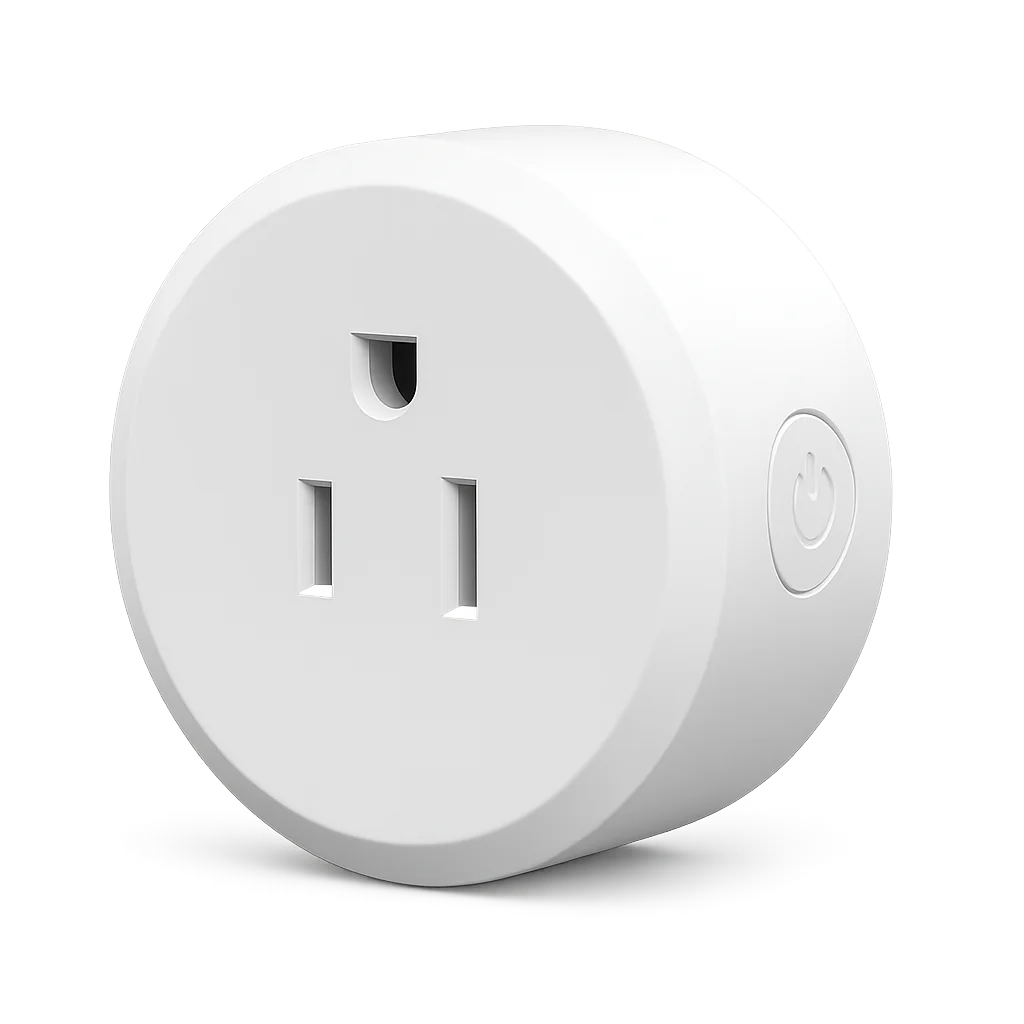
Smart Wi-Fi Socket for Remote Control and Energy Saving
Consider for: May suit a supported appliance load and understandable routine.
Before buying: Verify the Canadian variant, electrical approval, permitted loads, manual operation and power-return behaviour.
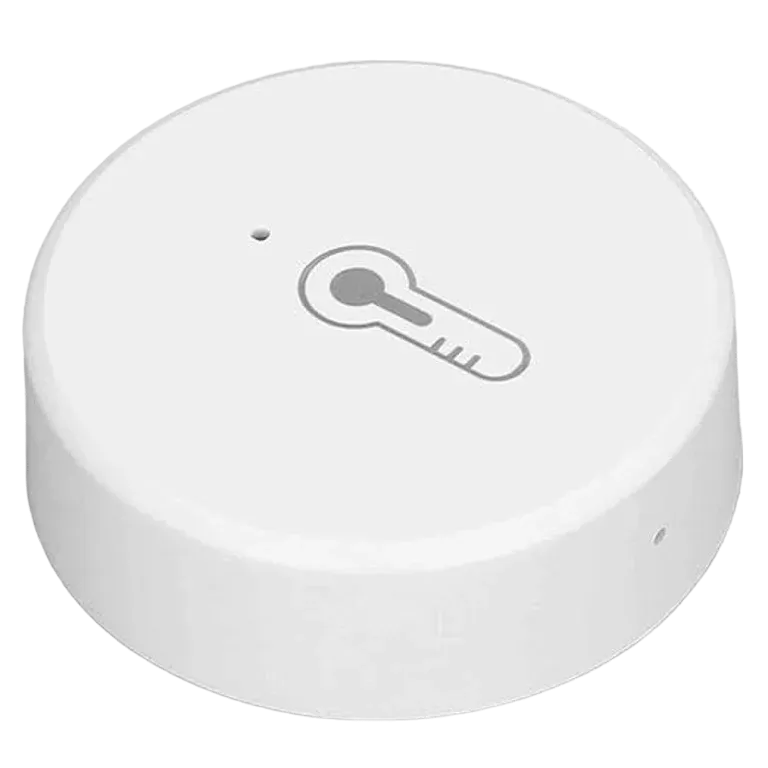
Indoor Temperature Humidity Sensor Monitor - Real-Time Updates
Consider for: Room observation with the documented audio or monitoring controls.
Before buying: Check audio permissions, placement, app sharing and recorded-clip access; monitoring does not replace direct supervision or care.
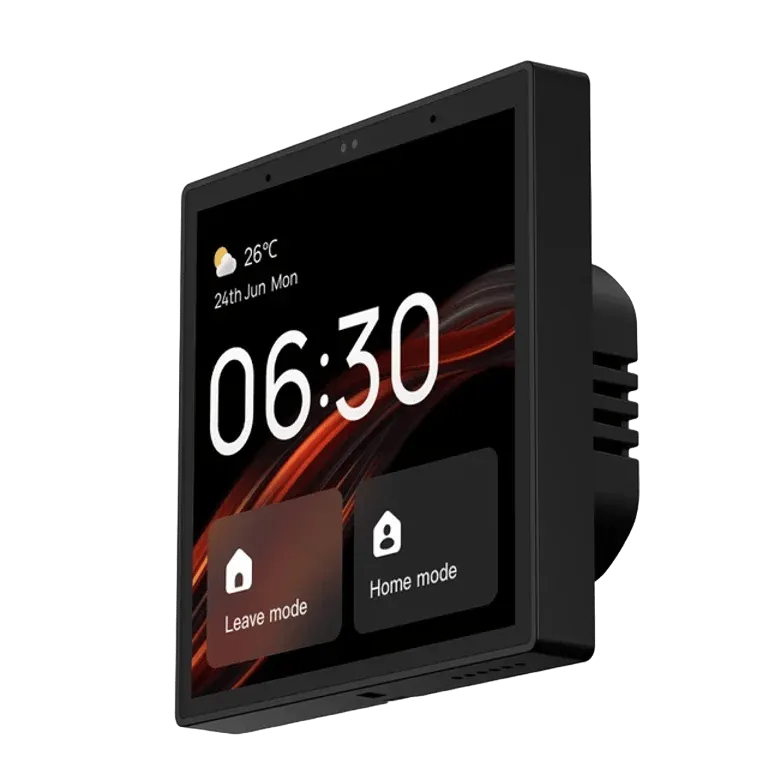
Smart Home Automation Touch Control Panel Hub - Multi-Protocol Compatible
Consider for: May support a specific alert or control routine with verified compatibility.
Before buying: Check the protocol, exact device support, local behaviour, supply and installation or certification needs.
If the options above do not match your requirements, compare other smart home devices before deciding. Buy for a confirmed fit rather than an unsupported ranking.
Before you rely on the setup
Start with one device and one routine. Verify manual operation, app control and behaviour after reconnecting power before adding another trigger. For plugs, check the appliance's permitted use and power-return behaviour. For locks and blinds, test the intended fallback; avoid creating a routine that depends on an unverified integration.
Questions before buying
Does a hub make every smart device compatible?
No. Confirm the protocol and exact supported model, then check the functions exposed by the intended controller or bridge.
Does a Wi-Fi or Tuya label mean a device supports Matter?
Do not assume that. Check the exact model's documented protocol and certification. A compatible bridge can help some existing devices, but support has to be confirmed for that device and controller.
Will automation keep working without internet?
That depends on the device and routine. Local timers, hub rules and cloud actions can behave differently. Ask the supplier, then test the intended routine and manual control before relying on it.
How to use this guide
My Smart Life sells products linked in this guide. The comparison uses listed product information and buying criteria; it is not a hands-on test or an independent rating. Confirm uncertain specifications or compatibility with the supplier before ordering. For purchases planned in 2027, recheck availability and model documentation rather than assuming a future release or feature.
Further reading: Connectivity Standards Alliance Matter FAQ, Health Canada electrical product guidance.