
Streaming on a Mini Projector: Apps, HDMI and: Black Friday Projector Guide 2026
By My Smart Life · Published · Updated
Quick answer: Built-in Android apps can be convenient, but an operating-system version does not guarantee support for Netflix or another subscription service. Check the exact model's app certification and update policy. A supported HDMI streaming device can be a useful alternative when built-in apps are uncertain.
Your buying checklist
- Confirm service support in Canada for the exact projector model.
- Check audio output for your chosen speaker.
- Budget for a streaming device and its power supply if needed.
Plan the source before choosing the projector
Write down the service or file source you expect to watch. Ask whether that exact service runs on the built-in platform, how it is updated and whether a separate HDMI player is supported. Treat phone mirroring as a separate function: a successful home-screen connection does not establish playback of protected video. Include the player, its power adapter and an audio connection in the space and budget. If the platform information is unclear, judge the projector as a display with an external source rather than paying for an assumed app experience.
Specifications that determine a usable picture
Native resolution
Ask for the native pixel dimensions. Accepted input formats describe what the projector can process, which can differ from the image it displays. Compare models on the same basis before paying for a 4K label.
Brightness and room light
Check the measurement method behind a brightness figure. An unqualified lumen claim is not directly comparable with a measured ANSI or ISO figure. Plan around room lighting, screen size and the ability to darken the space.
Source and audio
Check HDMI inputs, supported wireless casting and audio output. Screen mirroring may behave differently from a streaming app, especially for protected video. A compatible external source can be useful when the built-in platform is uncertain.
Relevant options and trade-offs
These are catalogue options connected to this guide, with different roles and requirements. Listing names identify products; they are not independent test results. Confirm current specifications, supplied accessories, stock and the selected checkout currency on the product page.
| Catalogue option | Potential role | Confirm before choosing |
|---|---|---|
| 390ANSI HY320 4K Native 1080P Android 11 Dual Wifi6 BT5.0 Projector | A viewing setup that may use onboard apps or an external source. | Verify the exact streaming service and software support; HDMI fallback and native picture specifications remain separate decisions. |
| 1080P Pocket-Sized Smart Projector | 270° Adjustable Lens | Wireless Screen Mirroring | A small viewing area where stand angle and cable clearance matter. | Measure throw distance and base stability; distinguish physical angle from optical alignment and any digital image correction. |
| SmartProjector 4K Portable LED with Wireless Screen Mirroring | A viewing setup that may use onboard apps or an external source. | Verify the exact streaming service and software support; HDMI fallback and native picture specifications remain separate decisions. |
| Portable Projector – Seamless Streaming, 1080P Auto-Focus, WiFi6 Connectivity | Repeated setup where an automatic focus feature may reduce adjustment. | Check native resolution and edge focus separately; autofocus cannot add pixels, brighten the room or remove placement limits. |
| 4K Native Portable Projector | Android 11, Dual Wifi6, High-Brightness | A viewing setup that may use onboard apps or an external source. | Verify the exact streaming service and software support; HDMI fallback and native picture specifications remain separate decisions. |
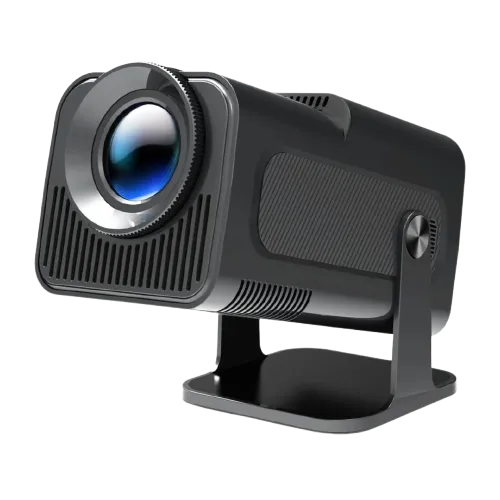
390ANSI HY320 4K Native 1080P Android 11 Dual Wifi6 BT5.0 Projector
Consider for: A viewing setup that may use onboard apps or an external source.
Before buying: Verify the exact streaming service and software support; HDMI fallback and native picture specifications remain separate decisions.
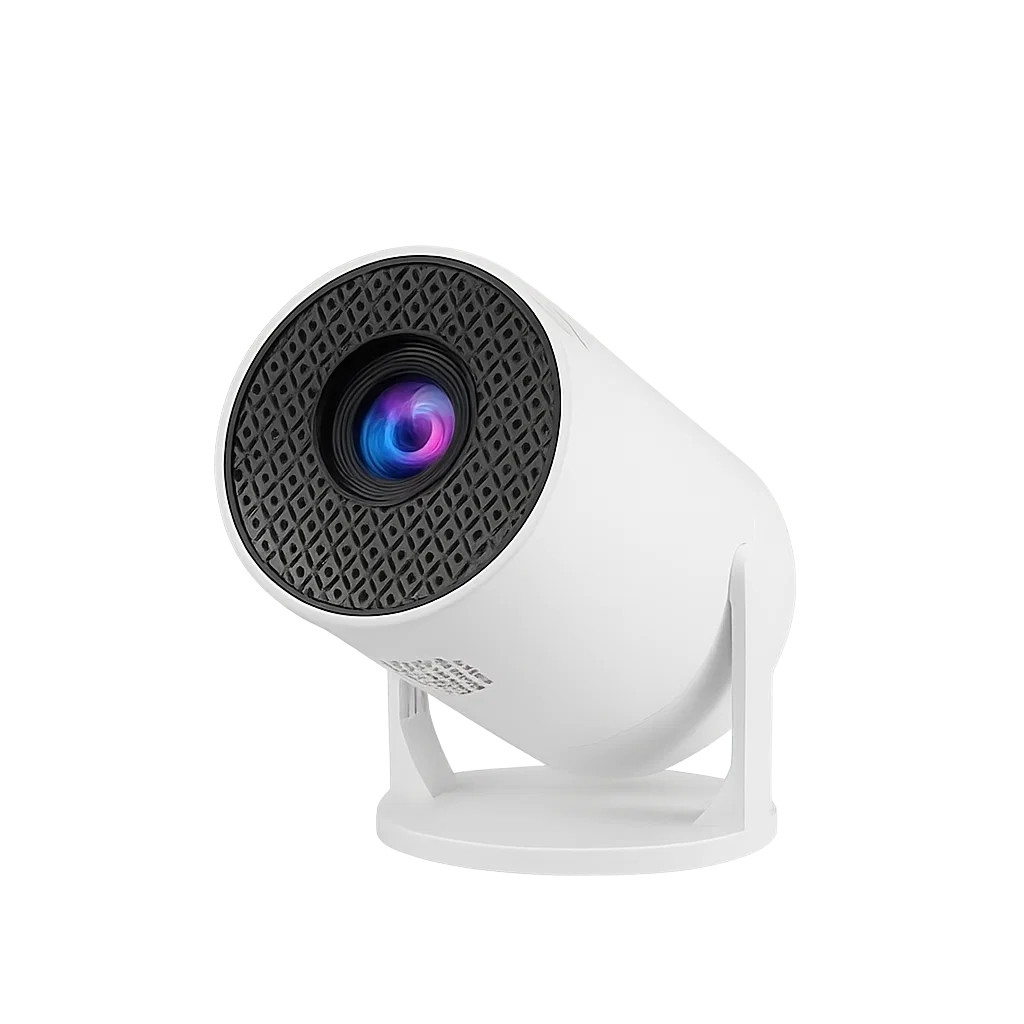
1080P Pocket-Sized Smart Projector | 270° Adjustable Lens | Wireless Screen Mirroring
Consider for: A small viewing area where stand angle and cable clearance matter.
Before buying: Measure throw distance and base stability; distinguish physical angle from optical alignment and any digital image correction.
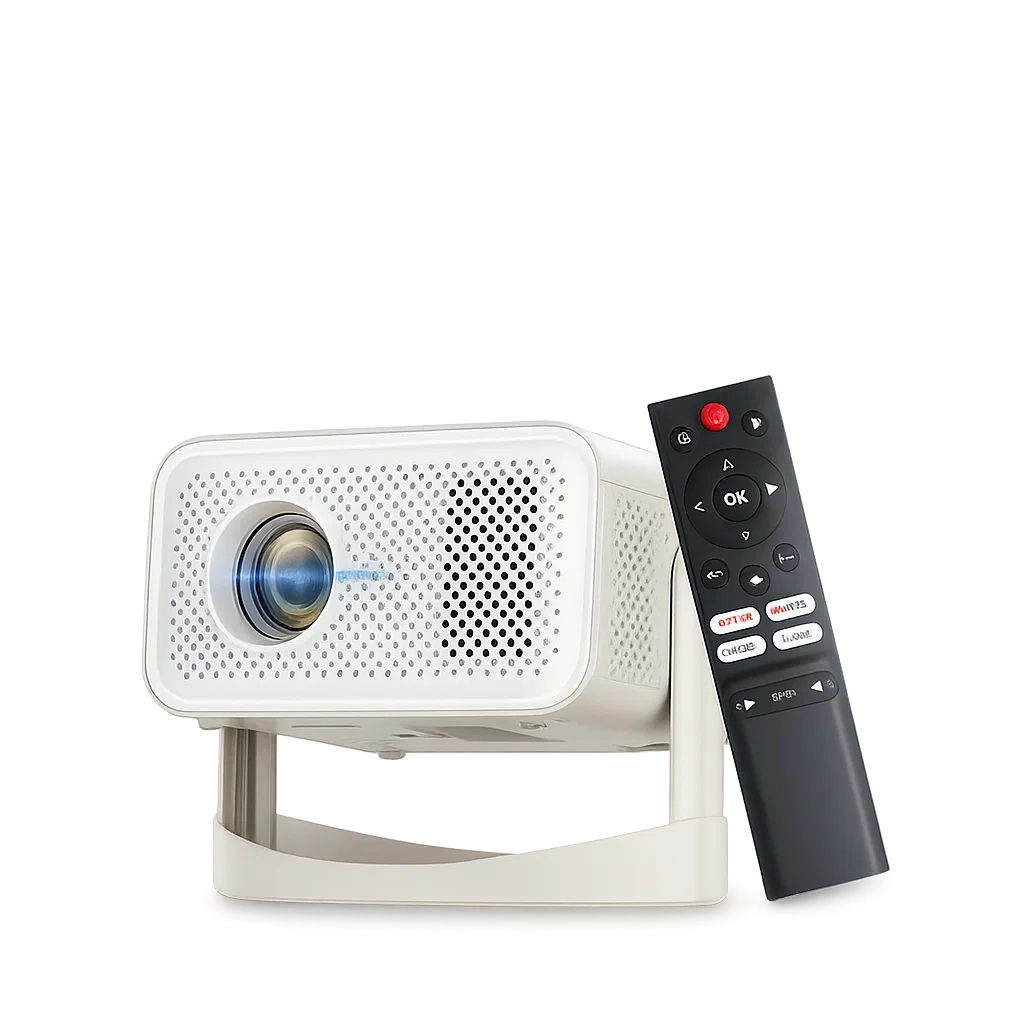
SmartProjector 4K Portable LED with Wireless Screen Mirroring
Consider for: A viewing setup that may use onboard apps or an external source.
Before buying: Verify the exact streaming service and software support; HDMI fallback and native picture specifications remain separate decisions.
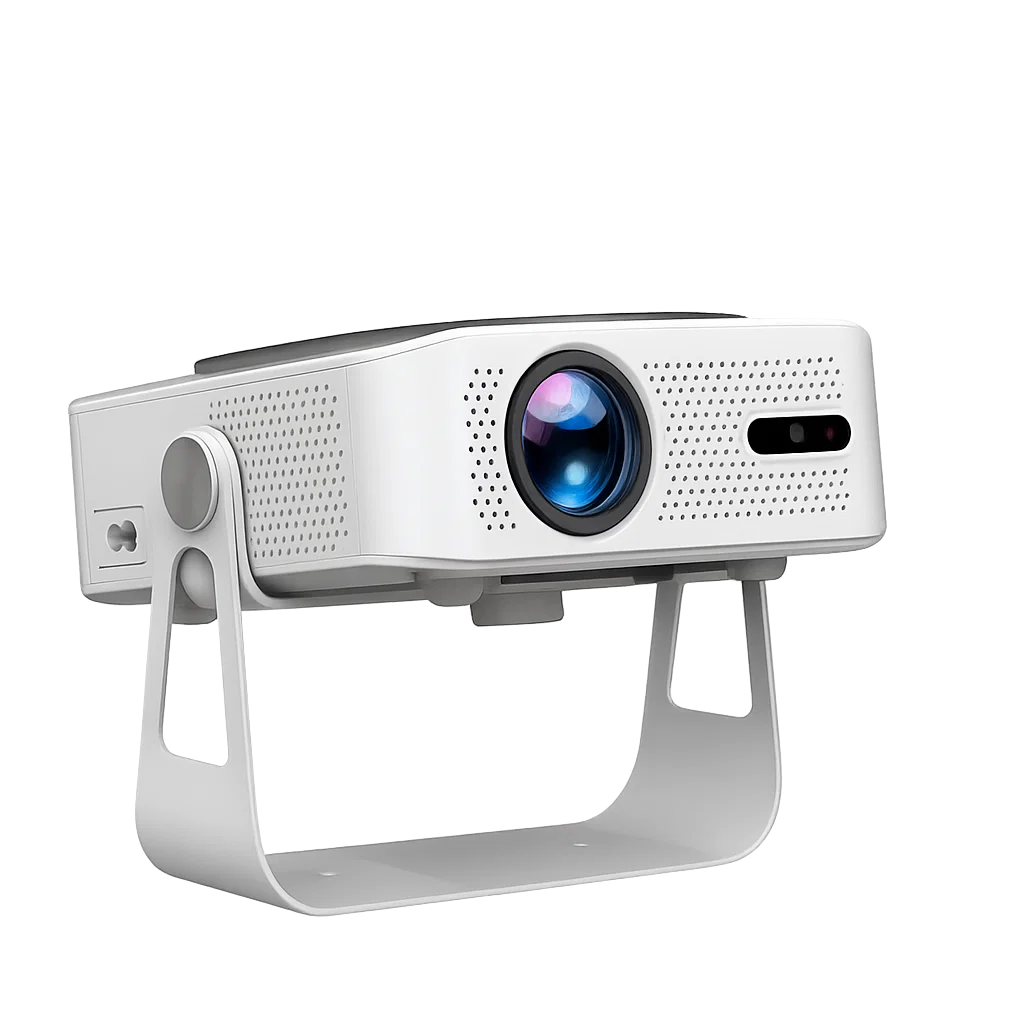
Portable Projector – Seamless Streaming, 1080P Auto-Focus, WiFi6 Connectivity
Consider for: Repeated setup where an automatic focus feature may reduce adjustment.
Before buying: Check native resolution and edge focus separately; autofocus cannot add pixels, brighten the room or remove placement limits.
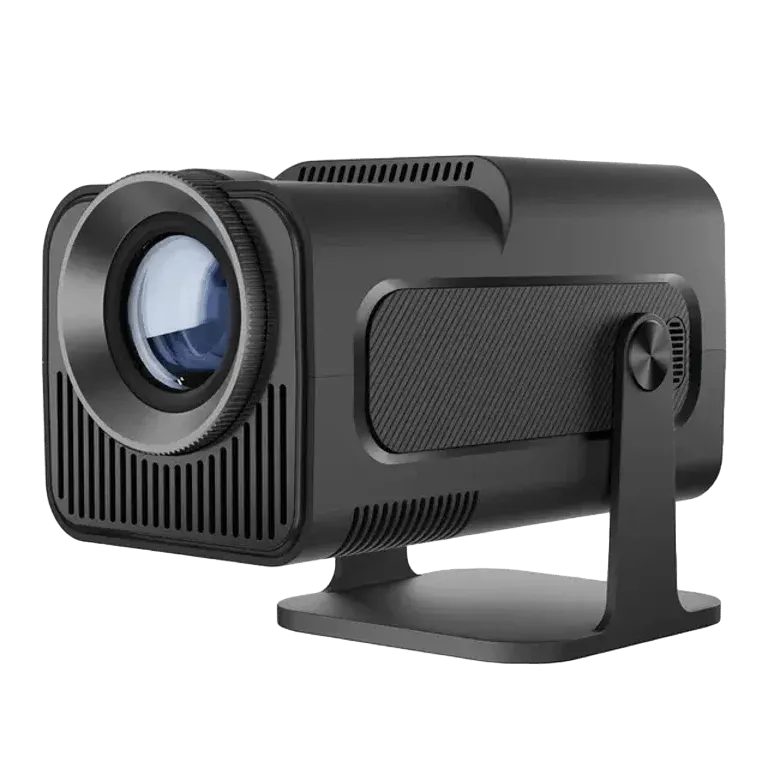
4K Native Portable Projector | Android 11, Dual Wifi6, High-Brightness
Consider for: A viewing setup that may use onboard apps or an external source.
Before buying: Verify the exact streaming service and software support; HDMI fallback and native picture specifications remain separate decisions.
If the options above do not match your requirements, compare other portable projectors before deciding. Buy for a confirmed fit rather than an unsupported ranking.
Before you rely on the setup
Before keeping a projector, position it in the intended room and play familiar content from the intended source. Check focus at the edges, subtitle readability and dialogue synchronization. Move the image to a smaller size if brightness is insufficient; do not rely on digital correction to solve every placement problem.
Questions before buying
What should I ask about built-in streaming?
Ask about the exact service, supported app version, update route and an external-input fallback. A Wi-Fi or Android label does not answer those questions.
Does 4K support mean a mini projector is native 4K?
No. Check the native imaging resolution separately from supported input formats. If the listing mixes 720p, 1080p and 4K terms, request the model specification before buying.
Can a portable projector work without a wall outlet?
Only if its documented power arrangement allows it. Some compact projectors still require mains power. A power bank must provide the specified voltage, connector and sustained output; USB connectivity alone is not enough.
How to use this guide
My Smart Life sells products linked in this guide. The comparison uses listed product information and buying criteria; it is not a hands-on test or an independent rating. Confirm uncertain specifications or compatibility with the supplier before ordering. For purchases planned in 2027, recheck availability and model documentation rather than assuming a future release or feature.
Further reading: Epson projector resolution guide, Epson brightness guide.