
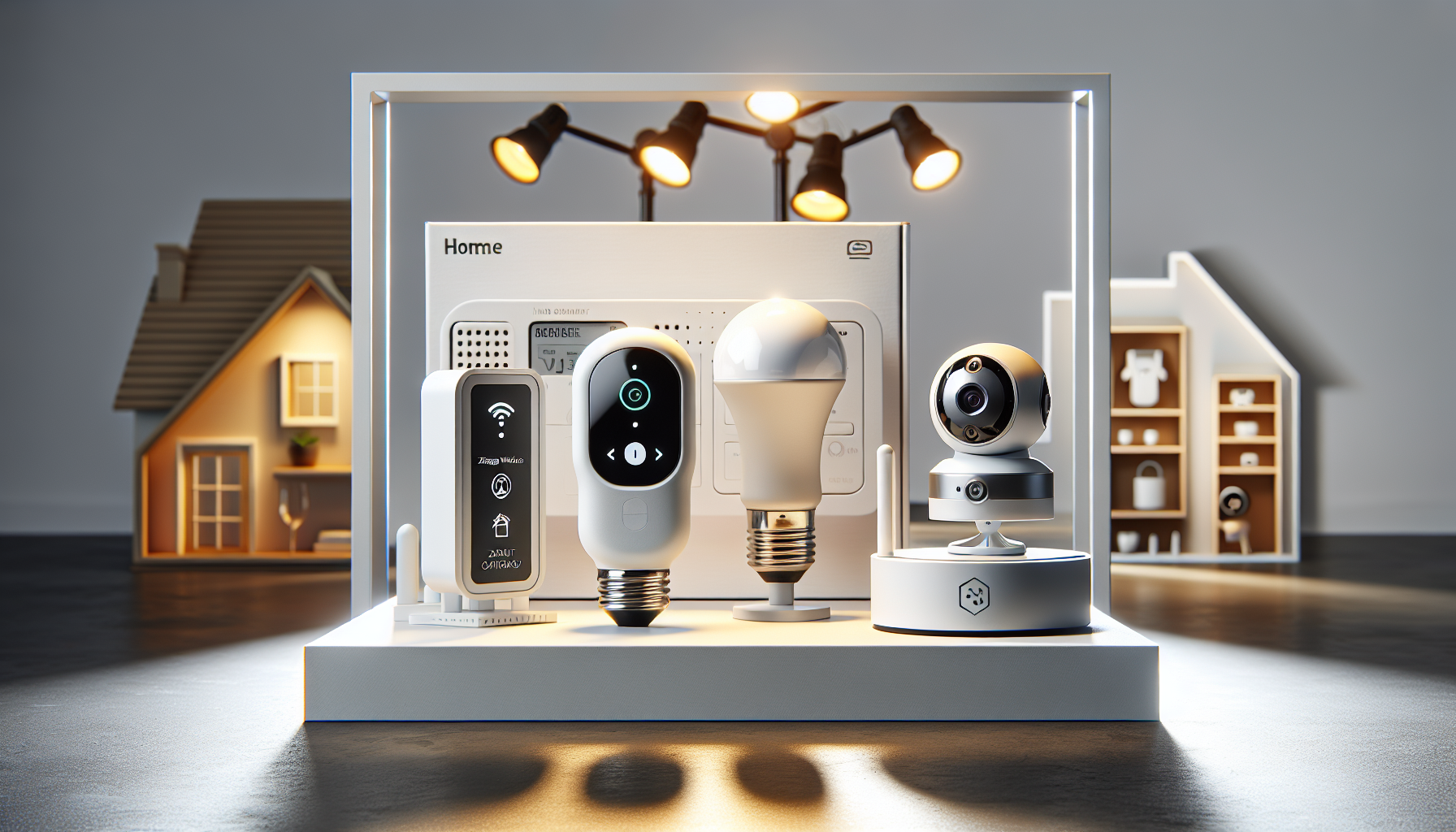
Zigbee Hubs, Finger Switches and Wi-Fi Cameras: Holiday Home Security Guide 2026
By My Smart Life · Published · Updated
Quick answer: A Zigbee hub connects supported Zigbee devices; a Wi-Fi camera may use a separate app or integration. A finger switch needs both physical fit and a compatible control method. List the exact devices you want to connect before buying a gateway, and do not assume every smart accessory uses Zigbee or Matter.
Your buying checklist
- Check the supported-device list for the hub.
- Confirm whether cloud access is required.
- Measure finger-switch placement and button travel.
Choose the control mechanism for the appliance
A mechanical actuator presses an existing control; a smart plug switches its permitted electrical supply. Check what the appliance does after power returns and whether a press, hold or sequence is needed. Measure button reach and keep manual access available. Then verify the actuator's hub or app dependency. Do not assume that either approach can operate an appliance safely or fully: its instructions, electrical load and normal restart behaviour decide the suitable arrangement.
Compatibility comes before automating a routine
Control platform
Write down the app, controller and protocol required by each device. Wi-Fi, Zigbee and Matter are different compatibility questions. Check support for the exact product; a familiar ecosystem name does not guarantee every function in every controller.
Physical and electrical fit
Check mounting dimensions, voltage, load limits and the actual Canadian variant. A switch, lock or motor needs a suitable physical installation as well as app support. Arrange qualified installation when the work or instructions require it.
Fallback and maintenance
Confirm what works during internet loss and how to use a manual control. Keep access credentials and replacement supplies manageable. Convenience routines should remain understandable to other people who use the home.
Relevant options and trade-offs
These are catalogue options connected to this guide, with different roles and requirements. Listing names identify products; they are not independent test results. Confirm current specifications, supplied accessories, stock and the selected checkout currency on the product page.
| Catalogue option | Potential role | Confirm before choosing |
|---|---|---|
| Zigbee Wireless Hub Gateway for Smart Home Automation | May support a specific alert or control routine with verified compatibility. | Check the protocol, exact device support, local behaviour, supply and installation or certification needs. |
| Smart Finger Robot Switch - Remotely Control Home Buttons | May retrofit a physical button with the right reach and attachment. | Measure travel and mounting, confirm hub needs and retain manual access. |
| Outdoor Indoor 355°Pan 90°Tilt Wifi Light Bulb Security Camera | Monitoring from a compatible light fitting with suitable coverage. | Check socket and voltage fit, continuous power, rotation clearance and whether the enclosure is approved for the location. |

Zigbee Wireless Hub Gateway for Smart Home Automation
Consider for: May support a specific alert or control routine with verified compatibility.
Before buying: Check the protocol, exact device support, local behaviour, supply and installation or certification needs.
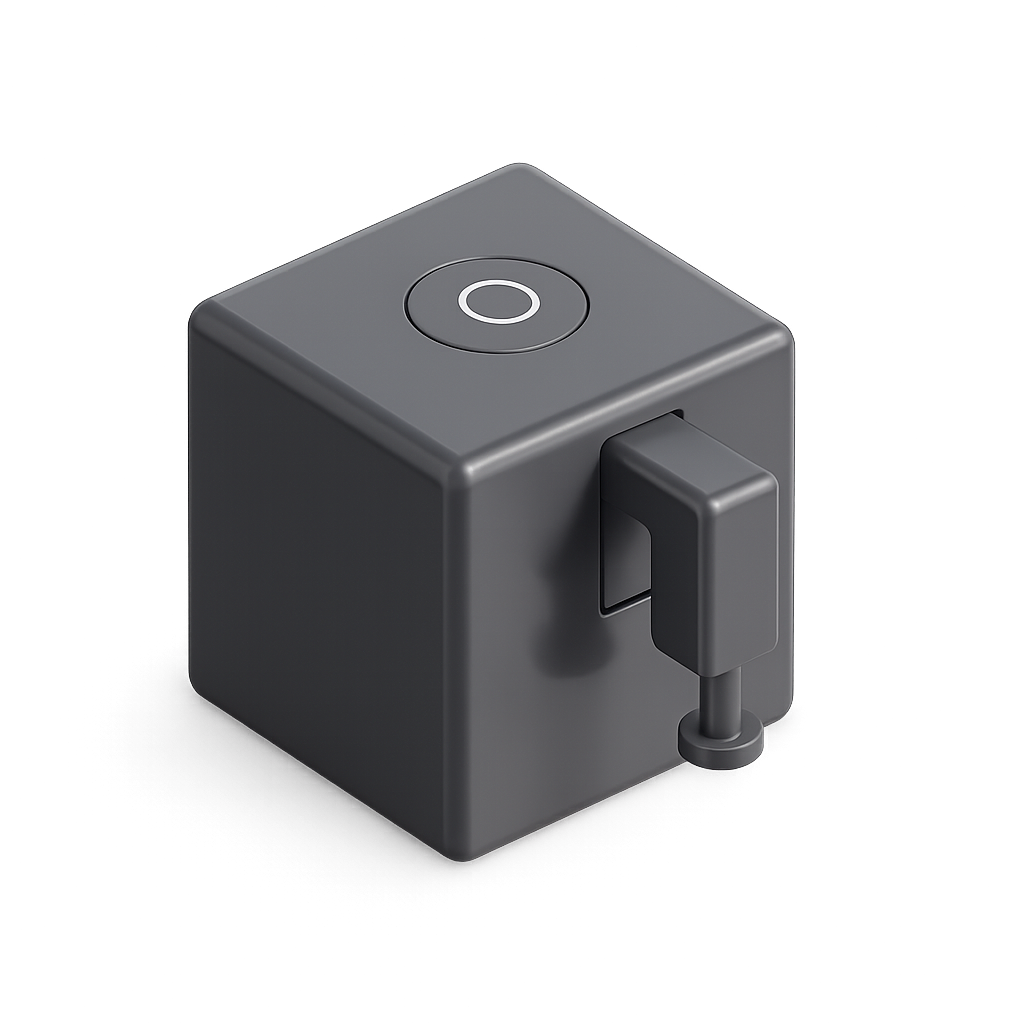
Smart Finger Robot Switch - Remotely Control Home Buttons
Consider for: May retrofit a physical button with the right reach and attachment.
Before buying: Measure travel and mounting, confirm hub needs and retain manual access.
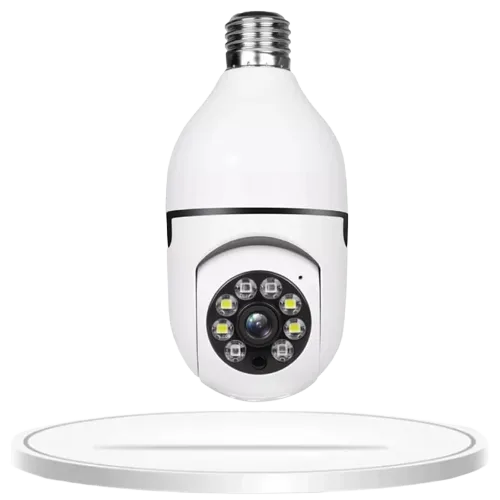
Outdoor Indoor 355°Pan 90°Tilt Wifi Light Bulb Security Camera
Consider for: Monitoring from a compatible light fitting with suitable coverage.
Before buying: Check socket and voltage fit, continuous power, rotation clearance and whether the enclosure is approved for the location.
If the options above do not match your requirements, compare other smart home devices before deciding. Buy for a confirmed fit rather than an unsupported ranking.
Before you rely on the setup
Start with one device and one routine. Verify manual operation, app control and behaviour after reconnecting power before adding another trigger. For plugs, check the appliance's permitted use and power-return behaviour. For locks and blinds, test the intended fallback; avoid creating a routine that depends on an unverified integration.
Questions before buying
Should I use a finger actuator or smart plug?
Check the appliance first. A physical button action and switching the power supply are different operations, with different compatibility and fallback checks.
Does a Wi-Fi or Tuya label mean a device supports Matter?
Do not assume that. Check the exact model's documented protocol and certification. A compatible bridge can help some existing devices, but support has to be confirmed for that device and controller.
Will automation keep working without internet?
That depends on the device and routine. Local timers, hub rules and cloud actions can behave differently. Ask the supplier, then test the intended routine and manual control before relying on it.
How to use this guide
My Smart Life sells products linked in this guide. The comparison uses listed product information and buying criteria; it is not a hands-on test or an independent rating. Confirm uncertain specifications or compatibility with the supplier before ordering. For purchases planned in 2027, recheck availability and model documentation rather than assuming a future release or feature.
Further reading: Connectivity Standards Alliance Matter FAQ, Health Canada electrical product guidance.