

1080p WiFi Clock Camera with Calendar & Temperature Display
Loading... for fastest delivery!
Order
Today
Ship
17 Nov
Delivered
18 Nov - 22 Nov
Keep the time, date and temperature visible while adding a WiFi camera to your indoor desk setup.
- Brand: ZHANZHI
- Camera format: Rectangular digital clock camera
- Video: 1080p
Description
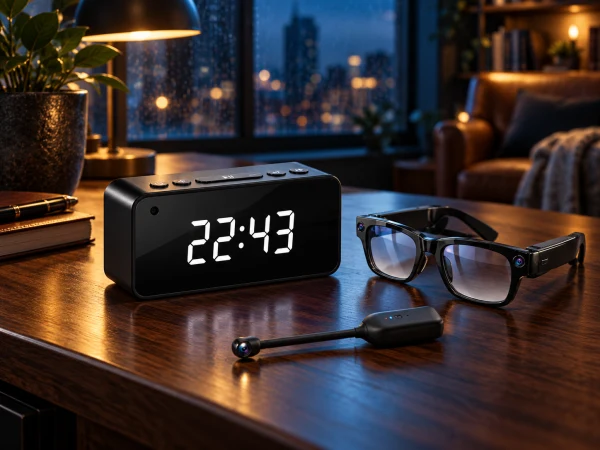
Keep the time, date and temperature visible while adding a WiFi camera to your indoor desk setup. This rectangular clock camera combines a large digital display with a lens integrated into the front panel.
The supplier lists 1080p recording and motion detection. Its clock face shows large time digits, a day indicator, calendar date and temperature display, making it a practical choice for a desk, shelf or home-office space.
The verified lens position is within the main time display near the centre of the front panel. The product images mark this position clearly so you can aim it correctly and keep the lens unobstructed.
The selected variant is the black clock camera with a US-style plug suitable for Canadian outlets. It is the Only camera bundle, with no memory-card add-on selected. Use the supplied cable and adapter, and follow the included setup instructions for WiFi viewing.
Specifications & compatibility
| Brand | ZHANZHI |
| Camera format | Rectangular digital clock camera |
| Video | 1080p |
| Connectivity | WiFi / P2P viewing advertised |
| Detection | Motion detection |
| Clock display | Time, day, date and temperature |
| Selected power option | US-style plug and USB Type-C cable shown |
| Selected storage bundle | Only camera; no memory-card add-on |
| Setup app | Allcam365 |
Frequently asked questions
Where is the camera lens?
It is in the main time-digit area near the centre of the front panel. The product images preserve and identify the verified lens position.
Which plug is selected?
The supplier option is Add US plug, the two-flat-pin format used in Canada. The exact SKU photo also shows a USB Type-C cable.
Is a memory card included?
No memory-card add-on is selected: the supplier bundle is Only camera. The promotional card illustration does not change that bundle selection.
What does the clock display?
The supplier photo shows time, a day indicator, calendar date and temperature. It does not show a humidity display.
Does it detect movement?
The supplier advertises motion detection. A specific detection range or subscription entitlement has not been verified.
Which app is shown?
The exact supplier bundle photo shows Allcam365. Follow the supplied instructions for the current app and pairing process.