
Will a Mini Projector Fit Your Room? A Measurement Worksheet
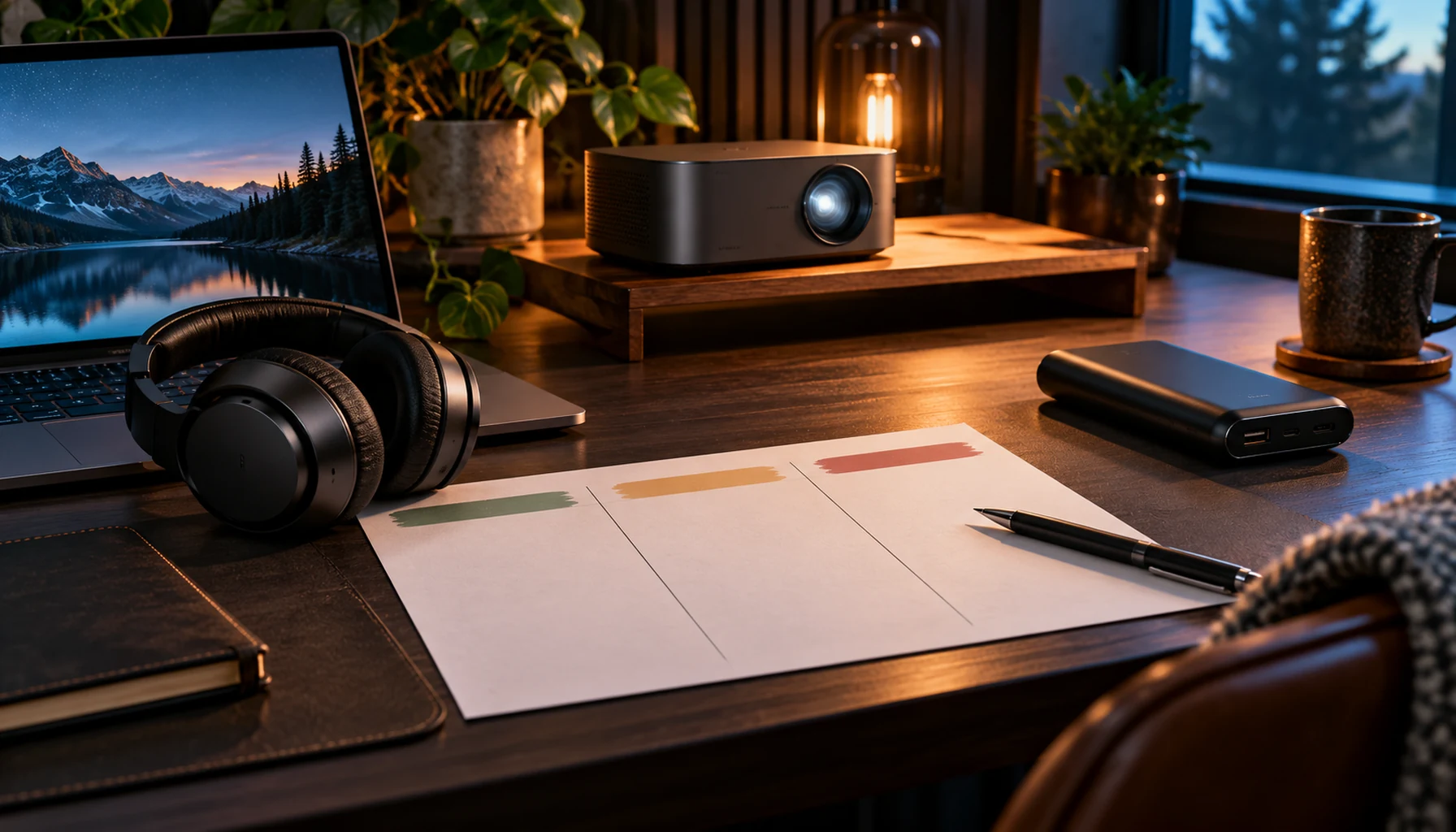
A mini projector needs to fit your room, not just your budget. Before comparing Black Friday projector offers, measure the wall, lens position and furniture layout. A few measurements can eliminate unsuitable options before you spend time comparing software features.
Measure image width, not only the diagonal
Mark out the area you can actually use. Exclude shelves, doors and anything that would interrupt the picture. Record both width and height. Advertised screen sizes usually describe the diagonal, which is different from the horizontal space on your wall.
For a 16:9 picture, a 100-inch diagonal corresponds to approximately 87.2 inches of width, or 2.21 metres. That is a geometry example, not a recommended screen size for every room. Tape the intended rectangle onto the wall and check it from your seating position.
Measure from the intended lens position
Identify where the projector can sit while leaving the ventilation clearance required by its manual. Measure from the lens position to the screen surface. Do not substitute the room's full length if a sofa, shelf or cabinet forces the projector closer.
Epson's positioning guide explains throw distance as the distance between projector and projected image. Use the exact model's distance chart or calculator where available; another projector's chart is not a compatibility guarantee.
Use throw ratio as a first filter
When the manufacturer provides a throw ratio, the basic relationship is lens-to-screen distance = image width × throw ratio. Use consistent units. For a hypothetical ratio of 1.2 and an image width of 2 metres, the corresponding distance is about 2.4 metres.
That ratio is an example only, not a specification for a MySmartLife projector. A zoom lens may provide a range, and the manual's placement instructions still control. If the listing does not state a ratio or distance chart, request it before buying for a fixed shelf location.
Keep a one-page room worksheet
| Measurement or check | Your note |
|---|---|
| Usable wall width × height | Measure clear space, not the whole wall |
| Lens-to-screen distance | Use the actual shelf or stand position |
| Power and signal route | Record outlet and source-device locations |
| Normal room lighting | Check it at the time you expect to watch |
| Content source | List the exact streaming device, laptop or app |
Check the source before the sale price
Choose one film or programme you expect to watch and identify how it will reach the projector. A built-in operating system does not establish support for every streaming service. Check the current app requirements or the compatibility of your external playback device.
Likewise, accepting a high-resolution input is different from displaying that resolution natively. Ask for native resolution separately. Do not treat “supports 4K” as a promise of a native 4K image.
Buy for the room you have
If a model cannot produce the required image from your available position, a discount does not solve that fit problem. Consider a smaller image, a different safe placement or a different model. Avoid planning a permanent mount before checking the manual and the actual picture position.
Compare portable and mini projectors, use our connection checklist for source-device questions, and browse Early Black Friday deals after measuring your space.
