
Buying a Wireless Charger as a Gift? Check These Five Things
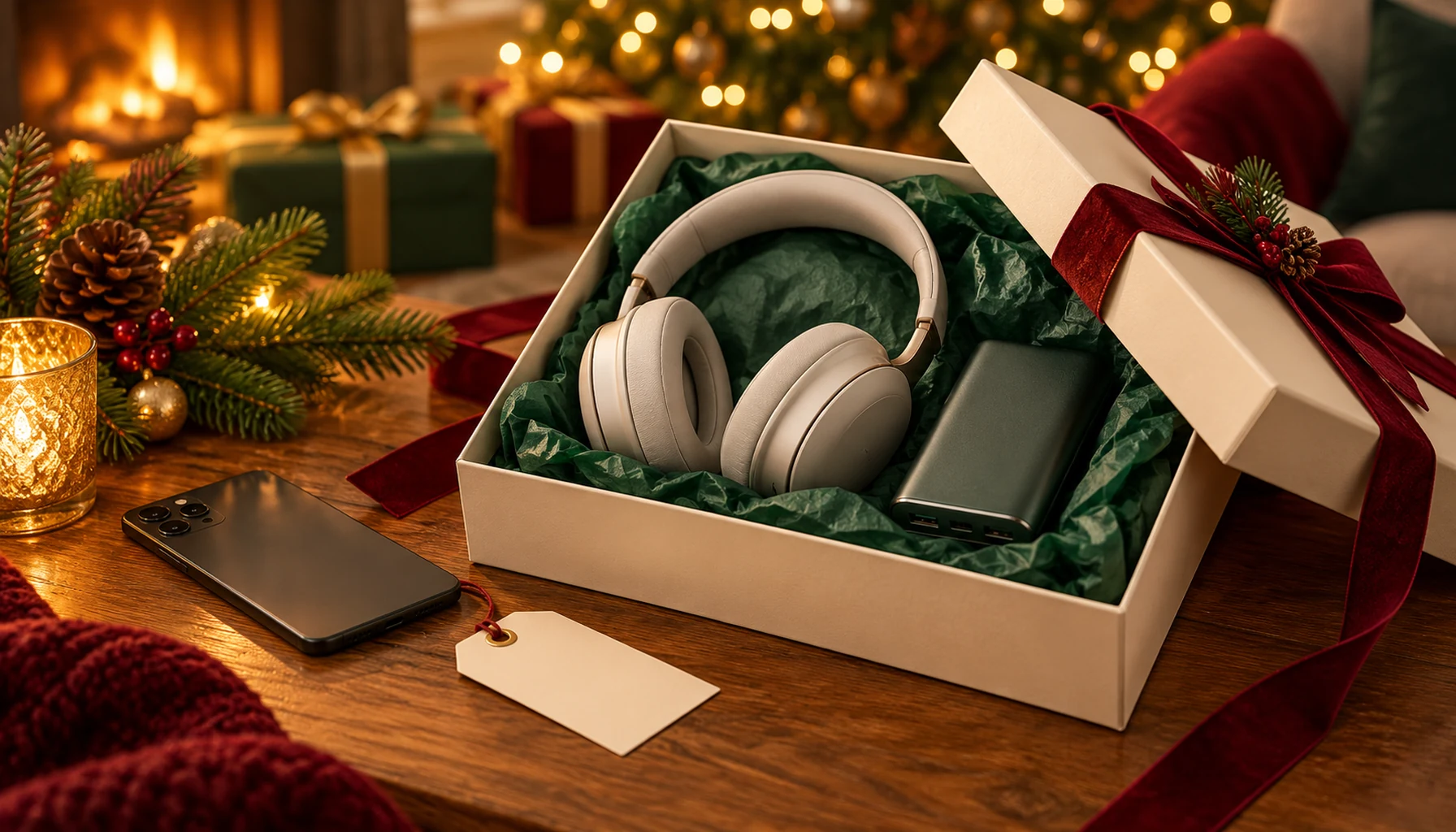
A wireless charger can be a useful gift, but “works with phones” is too vague to shop confidently. The phone, case, charger and power adapter must be a suitable combination. Use this checklist before choosing a charging stand, magnetic power bank or clock with a charging surface.
Ask for the exact phone model
Start with the full model name, not simply “iPhone” or “Samsung.” Check the phone manufacturer's specifications for wireless-charging support. A USB-C socket does not establish that the phone can charge wirelessly, and the ability to attach a magnetic ring does not add wireless charging to a phone that lacks it.
If the gift is a surprise, ask someone in the household to check the model. When you cannot confirm compatibility, a suitable cable-based option may be easier to verify. Do not rely on the shape of the phone or the year it was purchased.
Separate magnetic attachment from charging support
A charger may use magnets to help align a phone. That describes attachment, not every detail of its charging performance. Check the supported phone models, case requirements and advertised charging standard separately. Avoid assuming every magnetic charger is certified for every branded fast-charging feature.
The Wireless Power Consortium's product database identifies products certified under its standards. A generic compatibility claim is not a substitute for finding the exact model there when certification matters to your purchase. This guide does not certify any MySmartLife product.
Check the case the recipient actually uses
A charger that works with a bare phone may be less convenient with a particular case or accessory attached. Read both the case and charger instructions. Check for card holders, wallet attachments, stands or rings that the recipient would need to remove.
Think about routine as well as compatibility. If someone must dismantle a favourite case every evening, a technically suitable charger may still make a poor gift. A stand should also hold the phone in the orientation the recipient prefers for calls or notifications.
Find out what powers the charger
Read the box contents and power-input requirements. Check whether a wall adapter is included, whether a cable is supplied and what adapter specification is needed for the advertised charging mode. A charger can have a high maximum rating while operating differently with the adapter already available at home.
Make a small comparison sheet: phone model, case model, charger model, required adapter and included accessories. Ask the seller to resolve any blank field before ordering. Do not assume a multi-device stand supports a particular watch or earbud case just because it can charge a phone.
Build a useful gift bundle
Choose accessories to complete the setup rather than to reach a discount threshold. Include a compatible power adapter only if the product needs one and the recipient does not already own a suitable unit. Keep the product instructions and compatibility information with the gift.
For a charging clock, assess its other functions independently. A phone-charging feature says nothing about camera resolution, recording storage or app requirements. Confirm each function you intend the recipient to use.
Five questions to answer before checkout
- Does the exact phone support wireless charging?
- Does the charger explicitly support that model?
- Can the usual case stay on under the manufacturer's instructions?
- Is the required adapter included or already available?
- Are any watch or earbud charging claims independently confirmed?
Explore charging accessories, read our USB-C cable checklist, or browse Early Black Friday deals.
